
Review restaurant reports and trace the numbers
Use the same scope when comparing branches and periods, and trace differences to sales, payments and preparation batches.
Steps
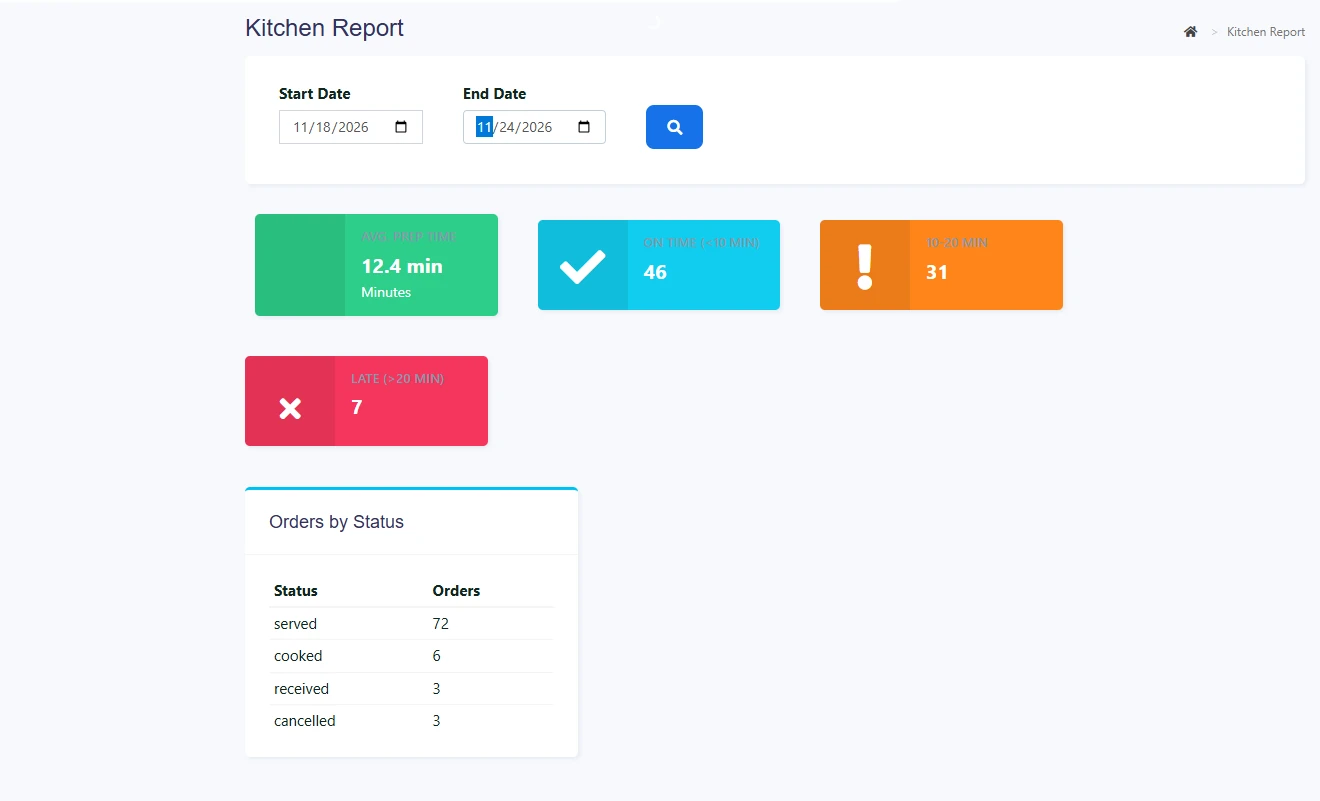
-
Choose the right report
Sales value: sales report. Money received: collections, till or bank. Ingredients: production or stock movement.
-
Fix the filters
Same branch, channel and period. When comparing two weeks, use the same number of days.
-
Open the figure's source
Sales difference → invoice. Production difference → batch. Bank difference → settlement.
-
Keep your reading
Note the period, branch, biggest differences and their references. You can ask the assistant to explain each figure.
Fields and buttons
| Field or button | When to use it | Result and how to check |
|---|---|---|
| Date range and branch | Select the same dates and branch before comparing invoices and reports. | Use an equal-length earlier period with the same branch and filters. |
| Payment status | Filter for paid, due or partial as the report allows. | Reconcile balance to payment and credit note records on the source invoice. |
| Total sales value | Use it when the question concerns included invoice values. | Check underlying invoices, returns and report basis before interpreting revenue. |
| Paid and due amounts | Review both when distinguishing sales from collections. | For bank cash use settlement and statement. For balances open the invoice. |
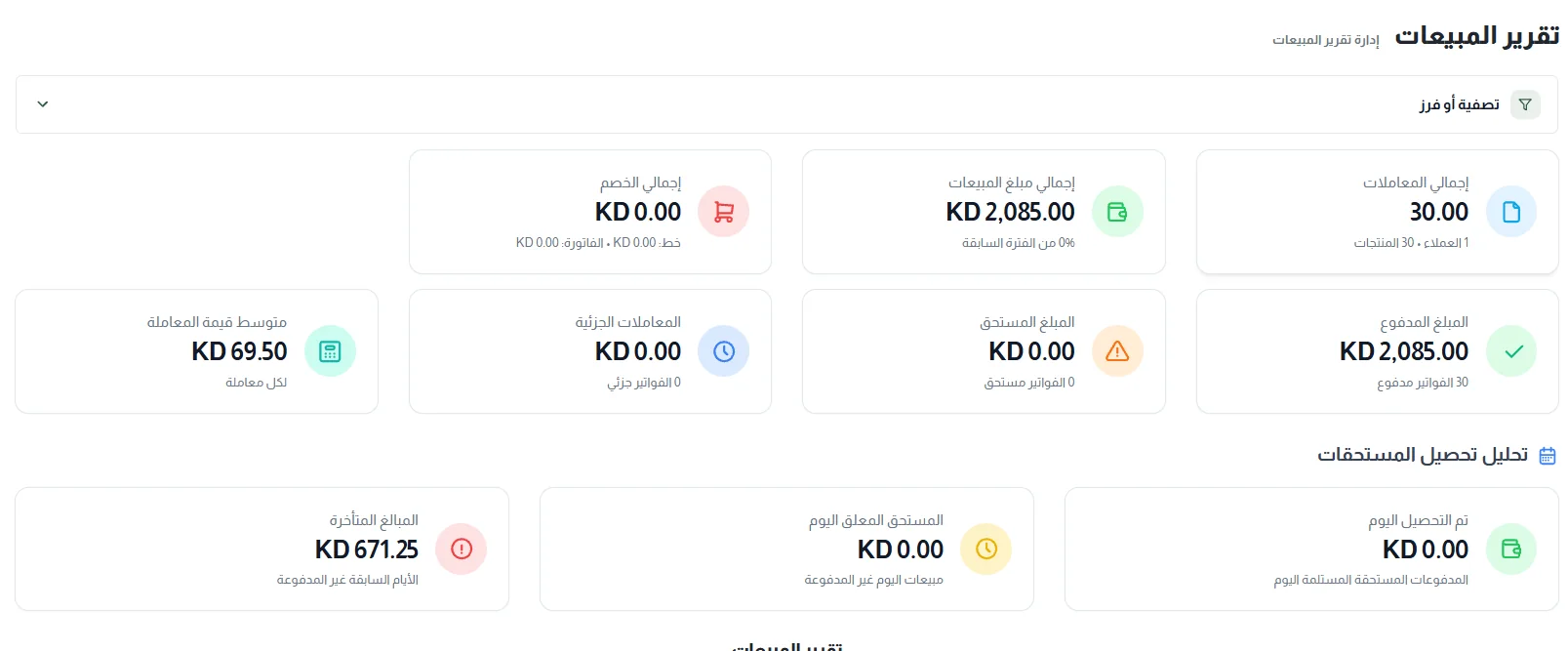
| Average transaction value | Read it for the selected set of transactions after setting filters. | The pictured example shows KWD 2,085.000 across 30 transactions, or KWD 69.500 on average. |
Screen images
Worked example
KWD 20 sales and KWD 10 collection on the same day
Training example. KWD 10.000 was collected on a KWD 20.000 invoice on its sale day. Sales are KWD 20.000, collections KWD 10.000 and the remaining balance KWD 10.000 before other payments or credits.
From ChatGPT or Claude
Once KEMET is connected to your assistant, copy and send this request:
Show this week's branch sales by order type and by hour.
The assistant reads data right away. Any change is shown to you in KEMET for approval before it runs, within your account permissions only.
Tools the assistant uses here
restaurant_report_salesrestaurant_report_sales_by_order_typerestaurant_report_sales_by_hourrestaurant_export_branch_report
Verify the result
- Filters, date range and currency are recorded with each review.
- The largest variance is traceable to an invoice, a payment or a stock movement.
Common problems
Change percentage is unclear
Check the comparison baseline and date window. If the previous value is zero, report the absolute change and show percentage change as unavailable.
The shift report differs from the bank
Reconcile cash and terminals separately. Match channel or gateway settlements to the bank statement by period and reference.
For: Branch manager Restaurant owner Accountant
Screens and buttons depend on your account permissions and branches. Images show KEMET with training data.