
Kitchen display and KOT
The kitchen display: every station sees its orders and how long they have waited
A display per kitchen station showing items, modifiers, notes and waiting time, with order status moving from new to ready and served.
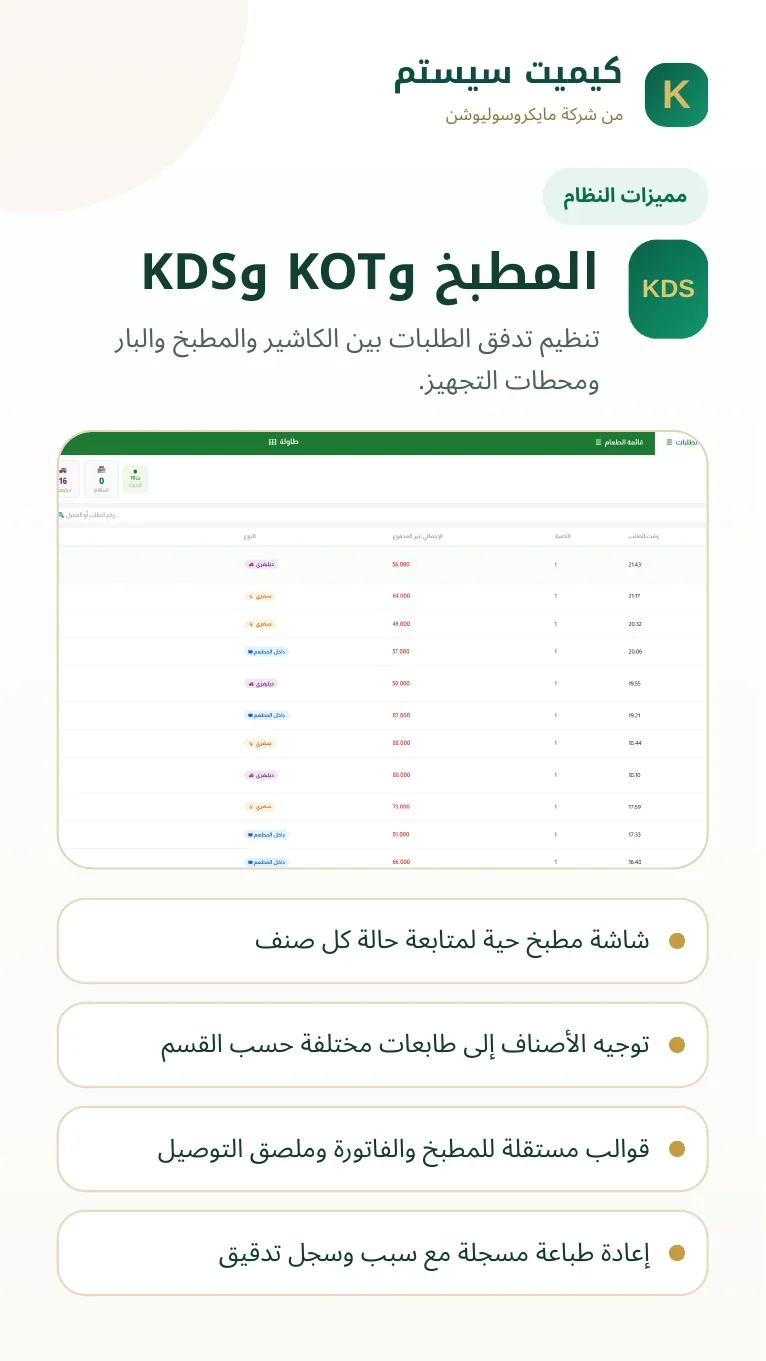
Paper in the kitchen gets lost, wet, and never tells you how long an order has waited. A kitchen display shows orders in arrival order with a timer on each, so the head chef sees delays before the guest complains.
Setting up the display
Link the device to the kitchen staff account, the branch and the station, then send a test order from the cashier and check it appears at the right station.
The order card
Each order appears as a card with the table or order type, items with modifiers and notes, and a timer that starts on sending.
Statuses
The cook moves the order from new to in progress and then ready, so the cashier or waiter knows when to collect it.
Routing items to stations
Each category goes to its station. If an item does not appear on a screen, check its station routing before treating it as missing.
How to start in KEMET
- Prepare a tablet or screen for each station
- Link it to the branch, station and staff account
- Route menu categories to stations
- Send a test order and follow its statuses
An example from a restaurant
At peak hour the card for table 12 turns red after 18 minutes. The head chef sees the item is waiting on the grill station and reassigns work before the guest has to ask.
Common questions
Can the display work alongside printers?
Yes. Some stations can use the display and others a printed KOT, as the kitchen needs.
Which device is suitable?
A tablet or screen with a modern browser, placed where the station can see it.
Does preparation time appear in reports?
Yes. Kitchen reports show turnaround time and workload per station.
Want to see it on your restaurant?
We show you the system on your own restaurant and help you choose the right plan and devices for your branches.