
Restaurant reporting
Restaurant reports that explain the number and lead you to its source
Sales by branch, channel and hour, kitchen and delivery performance, and accounting reports, with any figure traceable to its invoice.
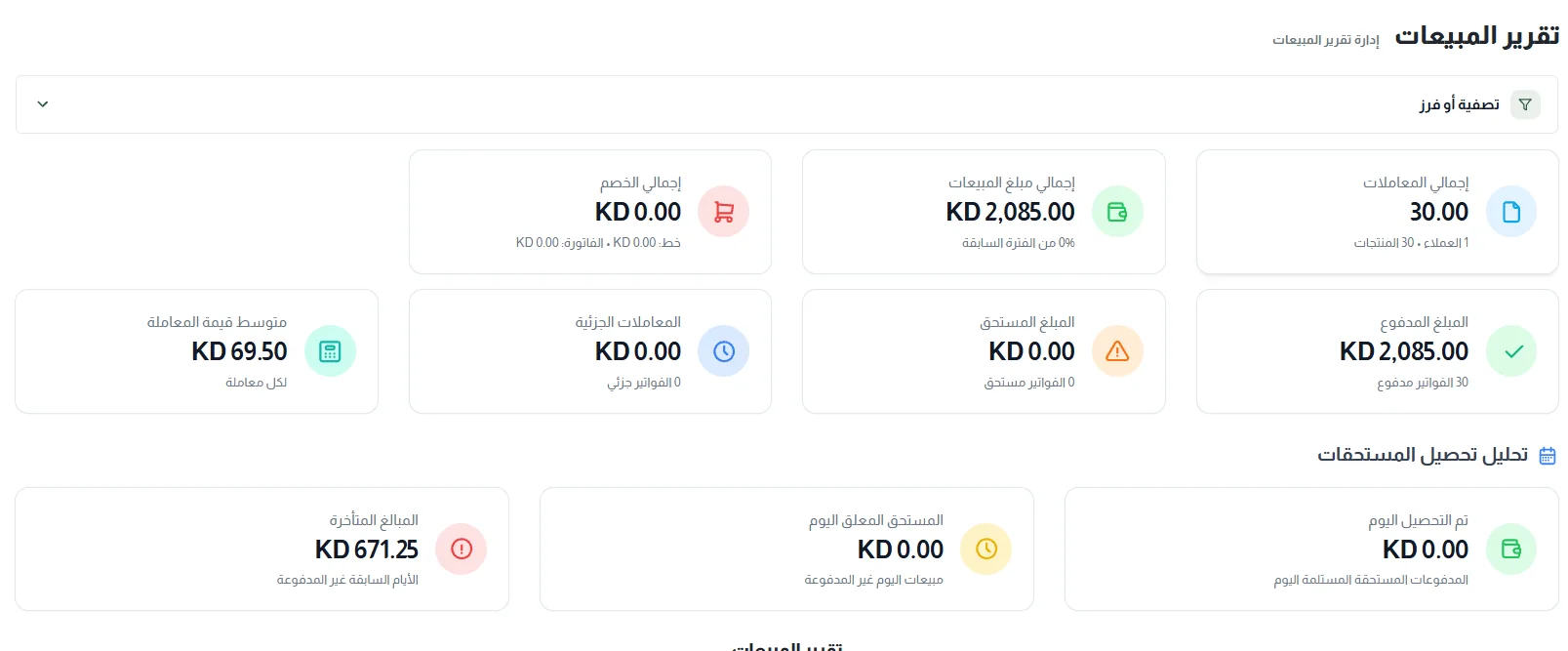
A good report does more than show a number; it lets you ask why. Why were Tuesday’s sales lower? Why was the kitchen late? Why did the till differ? KEMET reports are built on the same documents, so you move from summary to detail.
Sales
By branch, channel, order type, hour, cashier and payment method, with best sellers and period comparison.
Service performance
Kitchen turnaround, workload per station, delivery outcomes and channel performance, so you can find the bottleneck.
Stock and cost
Stock movements, waste and its reasons, count differences, item cost and profitability.
Accounting reports
Trial balance, general ledger, income statement and balance sheet, from the same entries operations create.
How to start in KEMET
- Use the same scope when comparing branches and periods
- Review each branch’s daily sales
- Follow kitchen and delivery performance weekly
- Review accounting reports monthly after the days are closed
An example from a restaurant
Tuesday’s sales are 15% lower. The hourly report shows the drop between 1 and 3 p.m., and the kitchen report shows delays at the same time because the lunch station was a person short.
Common questions
Can reports be exported?
Yes. Reports can be exported for review or sharing.
Can I ask an AI assistant about reports?
Yes, through the KEMET connector for ChatGPT or Claude, with your permissions.
Why does the sales report differ from collections?
Because an invoice is not a payment. Reports separate sales, payments and returns to explain the gap.
Want to see it on your restaurant?
We show you the system on your own restaurant and help you choose the right plan and devices for your branches.