
Use K-Driver from sign-in to delivery and shift closeout
A driver’s day from mobile app or browser sign-in to accepting an order, recording the delivery and actual collection, and reconciling the shift.
Steps
-
Open the app or portal
Install the approved K-Driver app, or open the driver portal in your phone browser with your account.
-
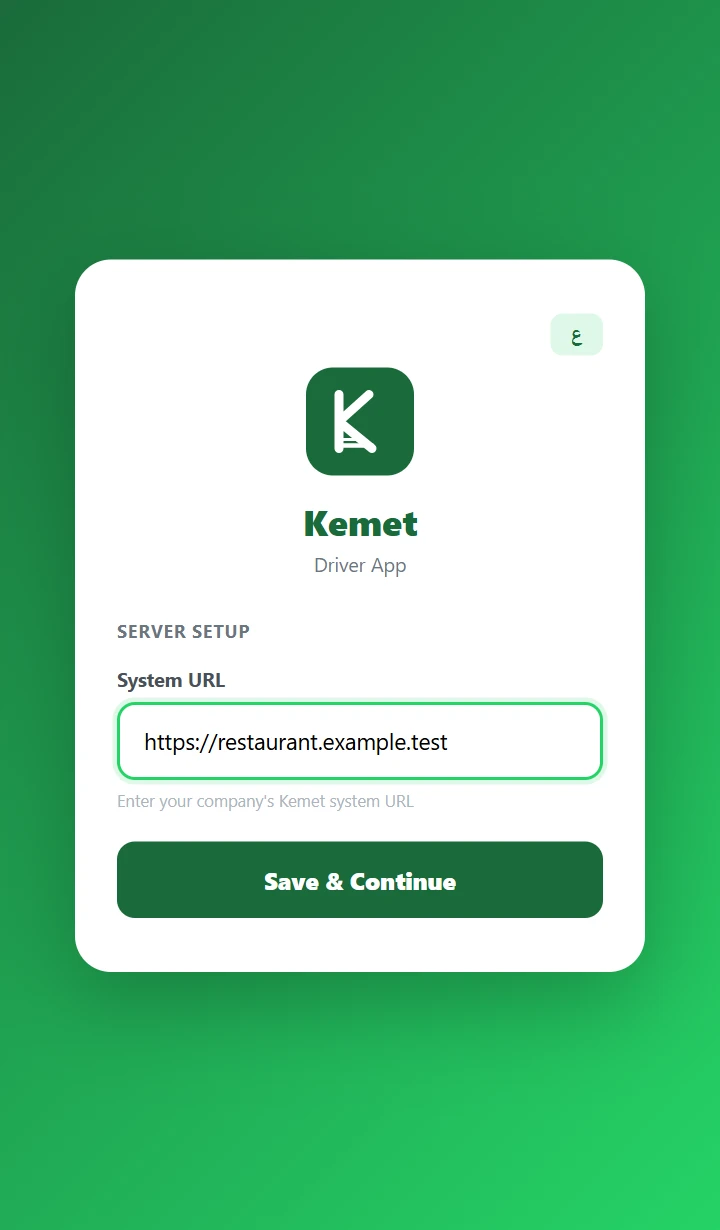
Enter the restaurant link and sign in
In the app open Server setup and enter the restaurant link. Sign in with your username and password.
-
Allow location and notifications
Allow precise location and notifications. Test a notification with your manager.
-
Open your shift
In Current shift check the branch and open the shift before collecting money.
-
Accept and pick up
Open the order and tap Accept. When you collect the food tap Picked up, then On the way.
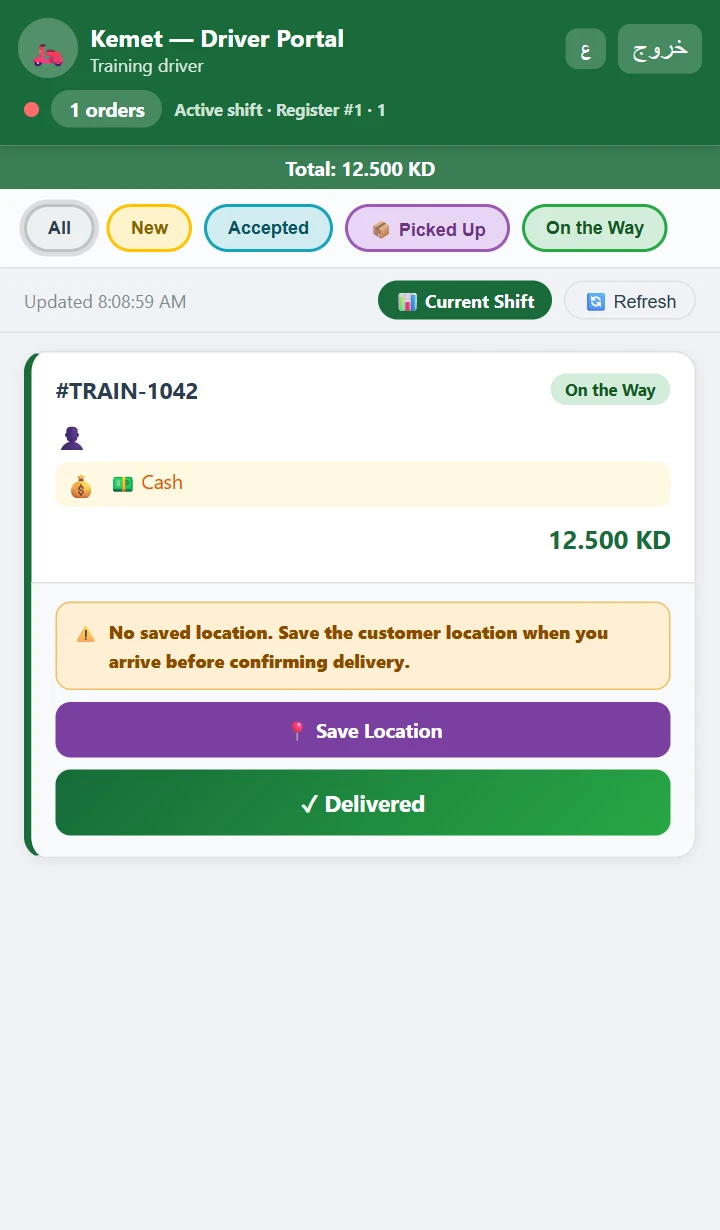
Training order in the Driver App with delivery status and payment methodView full size -
Use the map
Open the map or call the customer. On arrival, save the customer location if it is missing.
-
Confirm delivery and payment
If nothing is due tap Confirm delivered. If money is due, choose the method actually received and confirm.
-
If you could not deliver
Choose Not delivered and the reason. The manager decides to retry or return.
-
Hand over the cash
Open the shift summary, compare with the money you hold, hand it over and close the shift.
Fields and buttons
| Field or button | When to use it | Result and how to check |
|---|---|---|
| Accept | A new eligible or assigned order appears. | The same order changes to Accepted. |
| Picked Up | You have physically received the order. | Picked Up appears and delivery details are available. |
| On the Way | You have started the trip. | The order shows On the Way. Save the customer position on arrival if needed. |
| Delivered | Handover and any outstanding collection are complete. | Delivery and payment are visible on the order and shift summary. |
| Not delivered | The delivery attempt could not be completed. | The reason is saved and visible to management. |
| Fully prepaid | Confirm delivered after the order is handed over. | Outstanding remains zero with no extra payment. |
| Balance outstanding | Check the balance and record the actual collection method. | A payment is attached to the correct order and shift. |
| End-of-shift cash | Count cash and compare it with recorded collections. | Hand over the confirmed amount and record any difference before closeout. |
Worked example
Partially prepaid order
Training example. An order totals KWD 8.500 with KWD 5.000 prepaid. At delivery, the driver verifies KWD 3.500 outstanding and confirms after collecting KWD 3.500 with its actual method. At closeout the driver reconciles this collection to the report. If the customer is unavailable, record Not delivered and its reason instead of confirming a collection.
From ChatGPT or Claude
Once KEMET is connected to your assistant, copy and send this request:
Show registered driver devices and each driver's latest delivery status.
The assistant reads data right away. Any change is shown to you in KEMET for approval before it runs, within your account permissions only.
Tools the assistant uses here
restaurant_list_driver_notification_devicesrestaurant_report_driver_attempt_results
Verify the result
- The same order number advances from New to Delivered or Not delivered.
- The collected amount matches the actual outstanding balance. A fully prepaid order records no new collection.
- Before handover, review any pending actions and check completed orders in the current shift summary.
Common problems
The assigned order is missing or another driver took it
Refresh the order list and check the account, branch and latest state in management. For pooled orders, rely on the acceptance result before leaving.
Location is inaccurate or the app asks for it before delivery
Enable precise location and GPS, wait for better accuracy, and save the location again from the correct address.
Connectivity dropped during collection
When back online, reopen the same order and review its state and outstanding amount before confirming anything again. Check for a pending action using the same account and server.
Notifications are missing but the order appears
Review device notification settings and the background order service. Refresh Orders, then ask management to check notification configuration.
The shift summary does not match the handover
Compare the collected orders, their methods and the shift point with the driver report. Record the discrepancy and check with the responsible person before closing.
For: Driver Branch manager Cashier
Screens and buttons depend on your account permissions and branches. Images show KEMET with training data.