
Record unsuccessful delivery and resolve the order
Record the delivery attempt and reason, then select retry, return to branch or cancellation based on what happened.
Steps
-
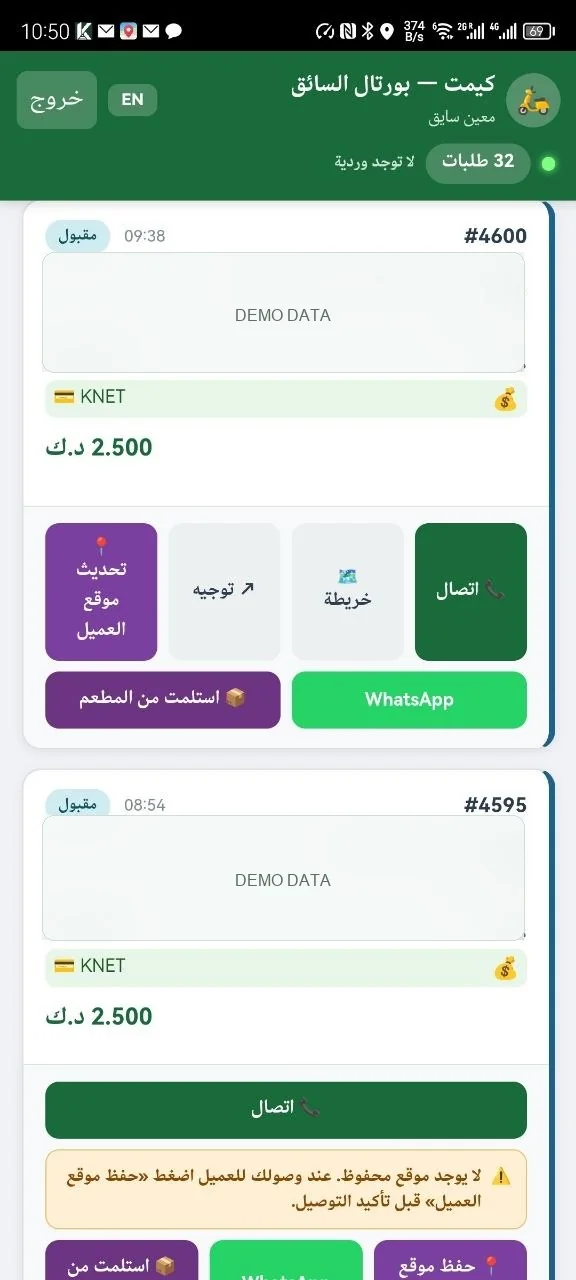
The driver records the attempt
From the On the way order, choose Not delivered and the reason (no answer, wrong address…).
-
The manager reviews the reason
In Delivery management open the order and check reason, driver note, address and payment.
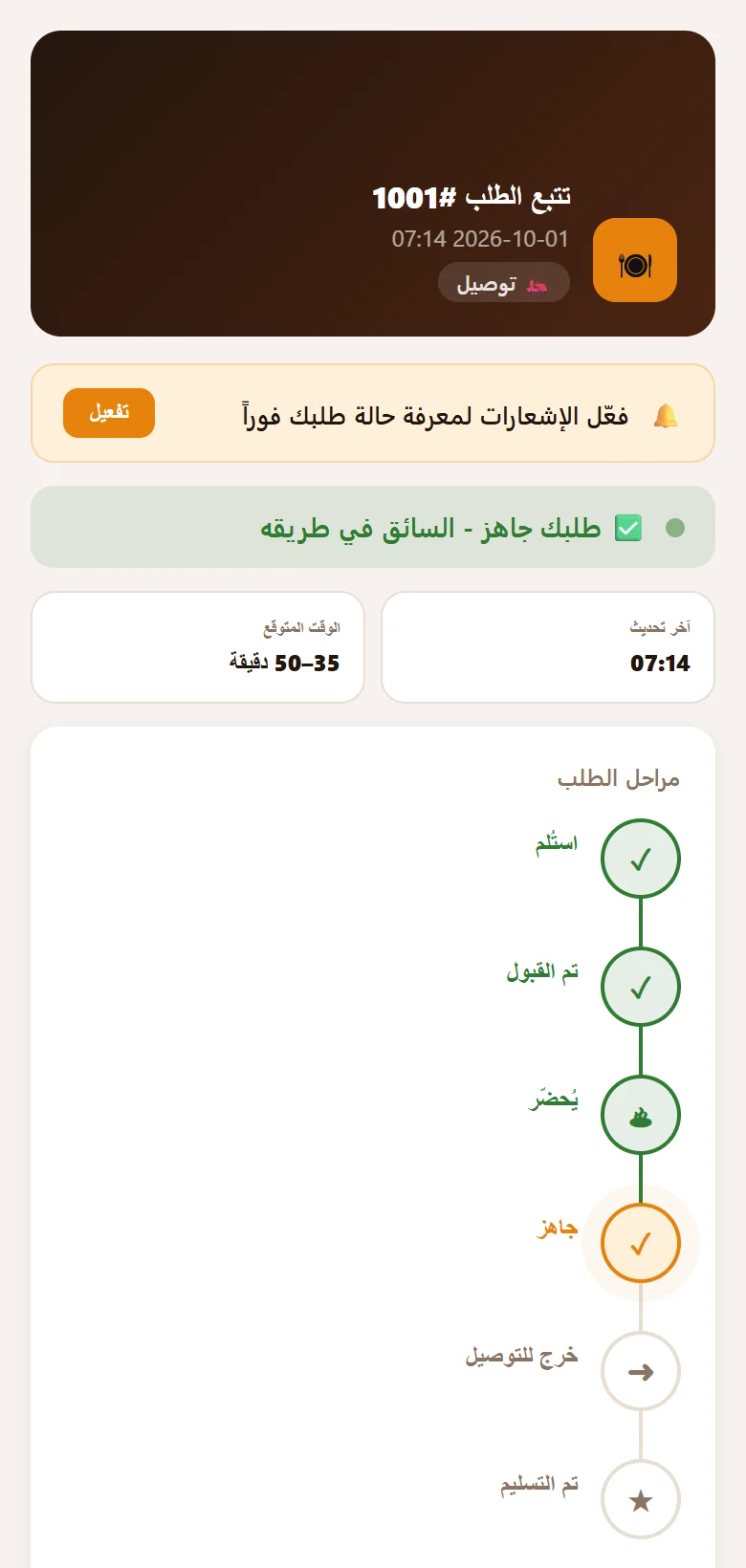
العميل يتابع طلب التوصيل من الهاتفView full size -
Choose the outcome
Retry if the address can be fixed, Returned to branch if the bag came back, or Cancel order with approval.
-
Settle money and food
If a refund is due or food was spoiled, record a return or waste from the same invoice.
Fields and buttons
| Field or button | When to use it | Result and how to check |
|---|---|---|
| Not delivered and reason | From On the way, record the actual failure reason and add the required note if using Other. | Verify failure reason and attempt date on the same order. |
| Retry | Use after an address correction or customer reschedule. | Check assignee and status before another attempt. |
| Return to branch | Record only after return of the package, then determine the actual disposition. | Use separate refund or waste records where those actions apply. |
| Cancel order | Manager decision after checking dispatch and payment states. For provider jobs, review Wasal on the same order. | Verify invoice payments and any credit note required to refund. |
Worked example
Wrong address with no collection
Training example. The driver cannot find the address. Record Wrong address. The manager checks contact and address and decides to retry. Collection reflects actual payments and the attempt log retains the first result.
From ChatGPT or Claude
Once KEMET is connected to your assistant, copy and send this request:
Show the delivery attempts for this invoice and why they failed.
The assistant reads data right away. Any change is shown to you in KEMET for approval before it runs, within your account permissions only.
Tools the assistant uses here
restaurant_list_order_delivery_attemptsrestaurant_report_driver_attempt_resultsrestaurant_list_delivery_state_timeline
Verify the result
- The attempt and reason are visible, and the management resolution is recorded.
- Cash, refund or waste is supported by a traceable document from the order.
Common problems
End-attempt action is unavailable
Check that the same driver owns the order and that it is On the way. Review the latest state before editing or reassigning.
Cancellation appears while payment remains recorded
Review the payment and amount with accounting and use the eligible refund process when due. Delivery state tracks fulfillment and payment has its own record.
For: Driver Branch manager Cashier Accountant
Screens and buttons depend on your account permissions and branches. Images show KEMET with training data.