
Review output yield and ingredient variance
Compare actual output to the processed target, then review each ingredient to explain the difference.
Steps
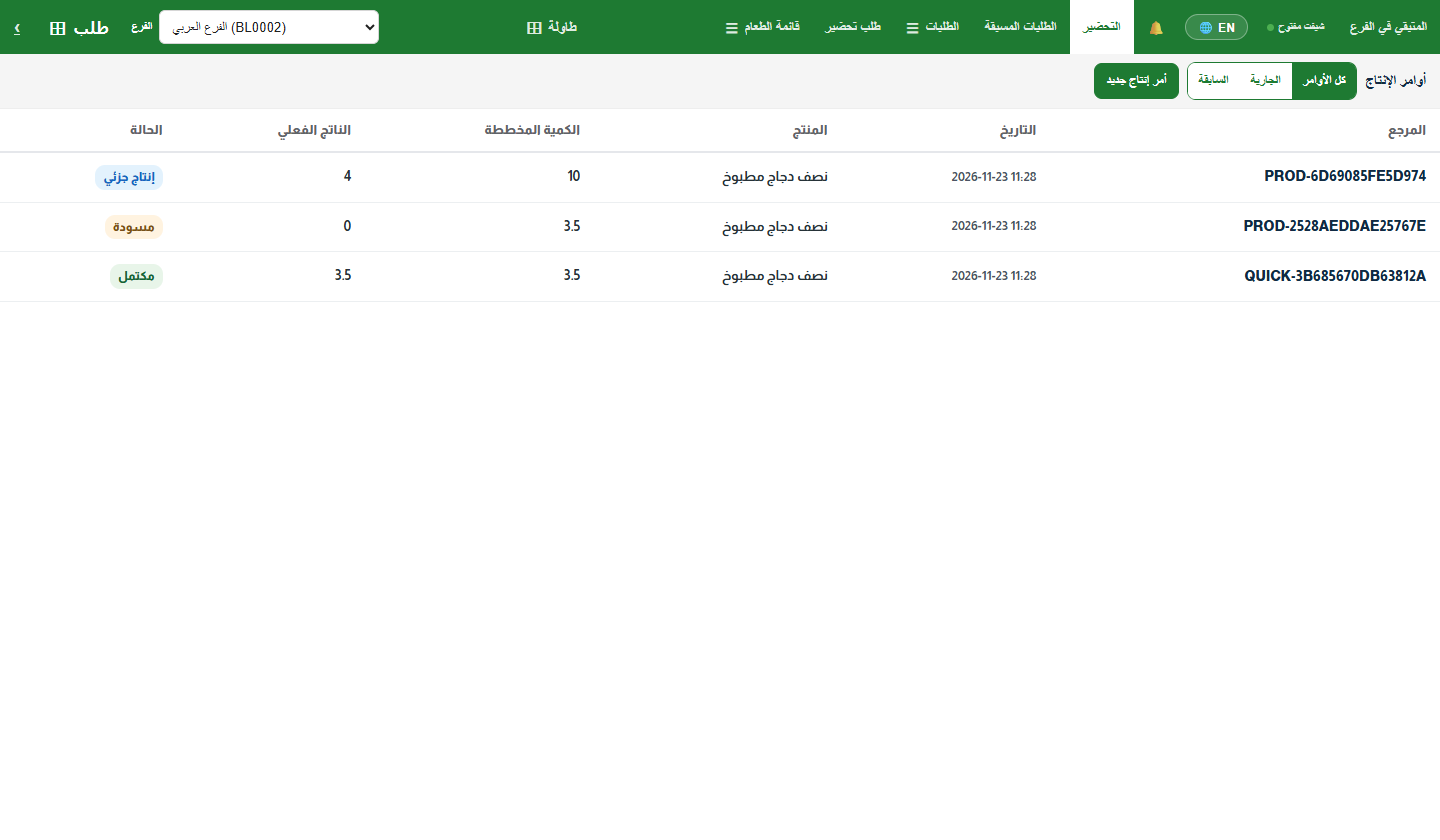
-
Open the production report
From the preparation register open the report and choose period, branch and item.
-
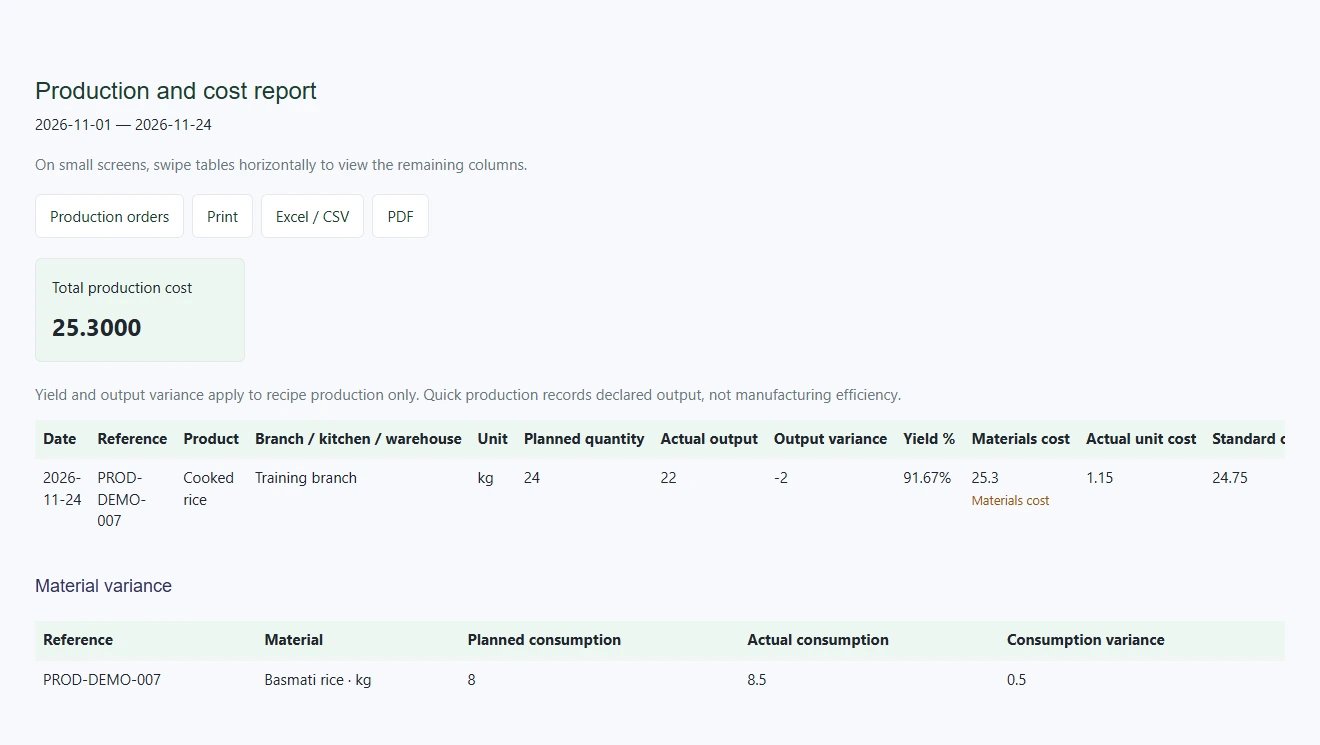
Compare plan with actual
Output variance = actual minus planned. Yield = actual ÷ planned.
-
Check each ingredient
Open ingredient variance and compare planned with issued in the same unit.
-
Check the cost
With permission, see batch cost and unit cost.
-
Keep the reference
Keep the batch number or export the report. Corrections are made on the original production order.
Fields and buttons
| Field or button | When to use it | Result and how to check |
|---|---|---|
| Planned and actual output | Check the batch date and location | Plan 30 and actual 28 yields a variance of −2 and about 93.33% yield. |
| Production type | Check whether this was recipe or quick production | Ingredient variance requires recipe production and recorded consumption. |
| Ingredient and unit | Compare expected and actual usage in the same unit | Compare 0.3 L against the issue in litres. |
| Batch cost | Open the journal for a completed, posted batch | Output follows the issued ingredients and other costs evidenced on the transaction. |
| Batch reference | Use the reference to trace stock or investigate report differences | Reconcile the report with prepared-lot balance and movements after production. |
Screen images
Worked example
A target of 30 yields 27
Output variance is minus three and yield is 90%. If the planned issue was 20 kg and actual issue was 21 kg, ingredient variance is plus 1 kg. Investigate the two measures separately.
From ChatGPT or Claude
Once KEMET is connected to your assistant, copy and send this request:
Show production yield and ingredient variance for this week's orders.
The assistant reads data right away. Any change is shown to you in KEMET for approval before it runs, within your account permissions only.
Tools the assistant uses here
restaurant_report_production_output_variancerestaurant_get_production_order_execution_timesrestaurant_get_production_batch_materials
Verify the result
- Comparison uses one batch, branch and unit.
- The cost basis is visible, and the explanation has an identifiable record where available.
Common problems
Yield is blank
Quick production without a recipe reports output and leaves recipe yield and variance blank.
Cost is hidden or estimated
Check cost access and ingredient valuation. Open the batch document to verify the recorded cost basis.
For: Kitchen team Branch manager Accountant
Screens and buttons depend on your account permissions and branches. Images show KEMET with training data.