
Set up a recipe and check prepared output cost
Define the output and ingredients, then review planned cost before posting actual production.
Steps
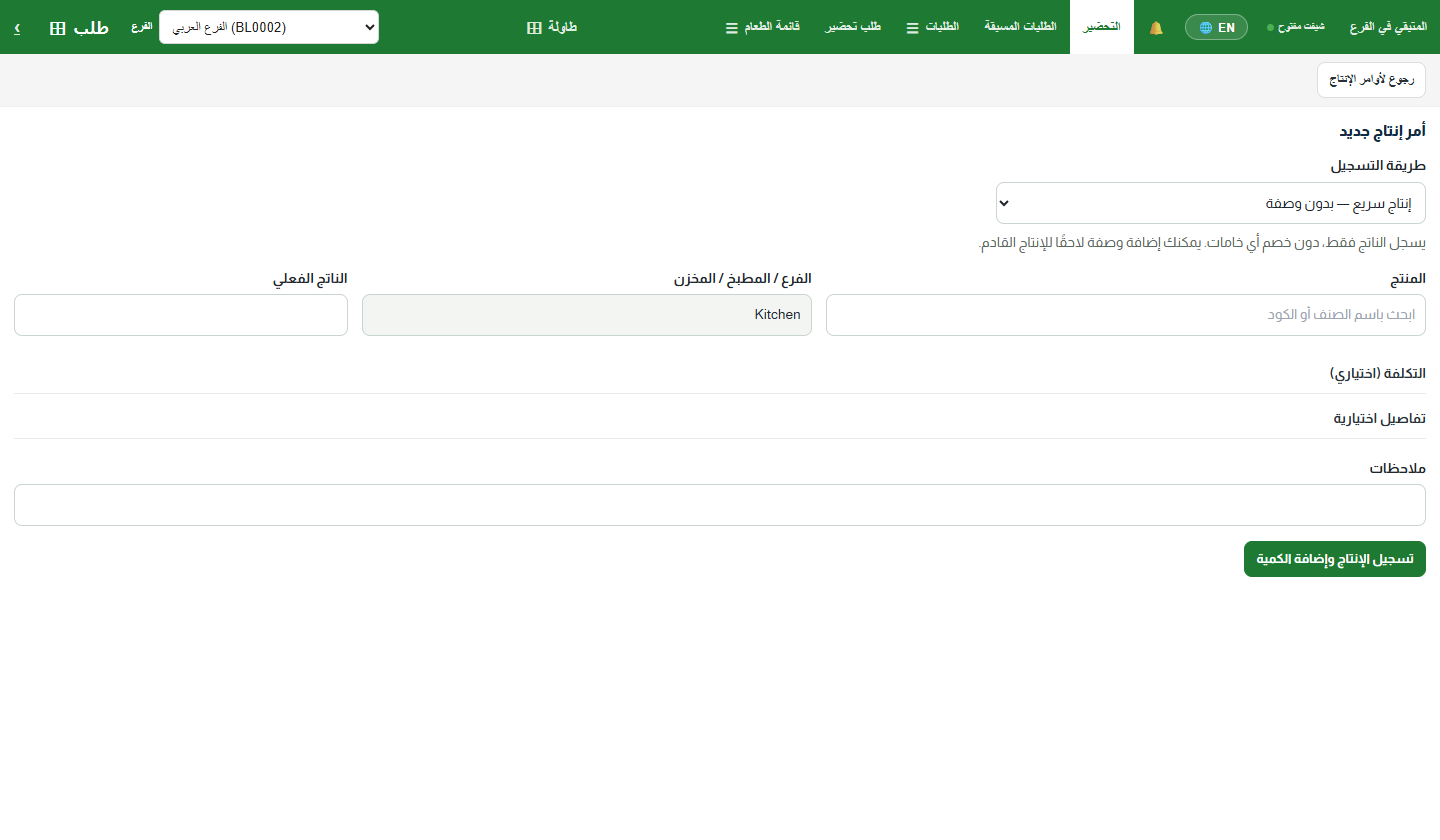
-
Choose the prepared item
Open Preparation and choose the item. In Product recipe choose the unit stock is tracked in.
-
Enter ingredients for a full batch
Set the output quantity and add ingredients with units. For example 150 ml oil = 0.150 L.
-
Check the cost
Check each ingredient's cost in the branch. A missing cost or wrong unit spoils the figure.
-
Try a small order
In Preparation → New production order choose the recipe and check quantities and cost before posting.
-
Review the result
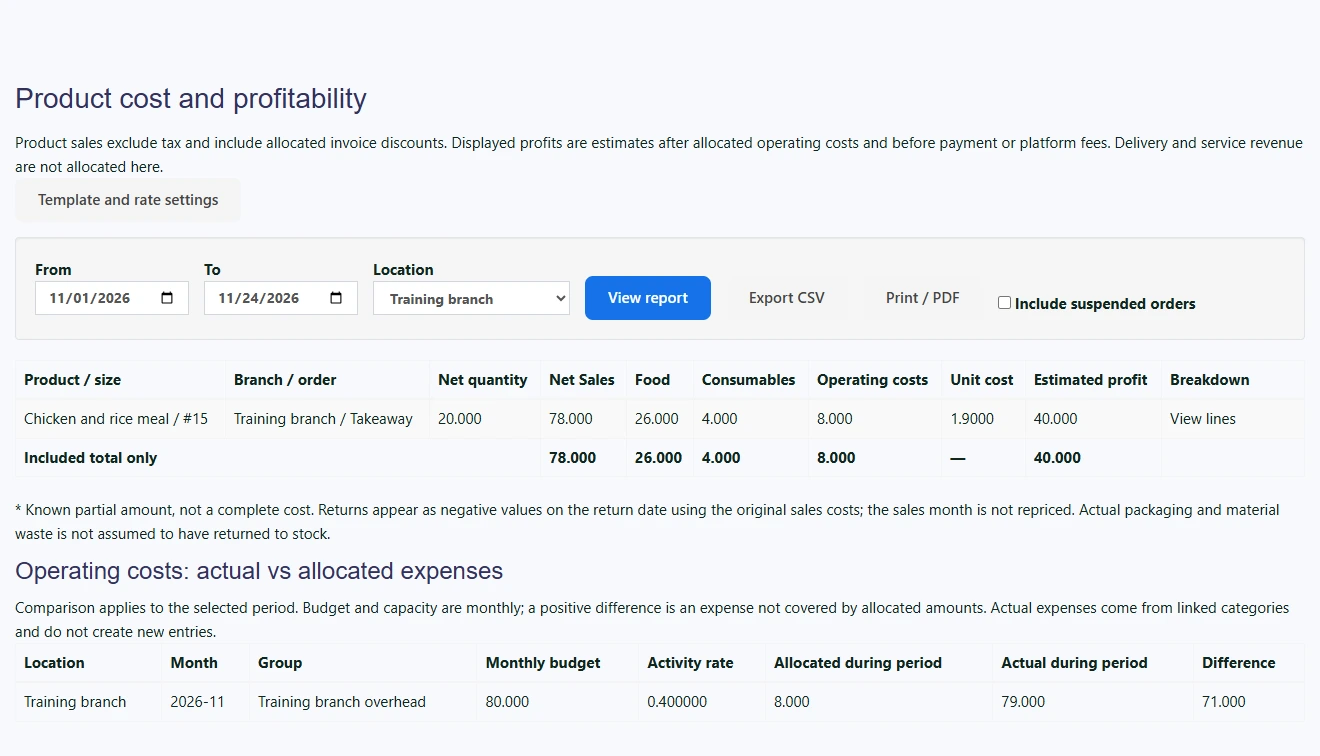
Compare output and ingredients used on the order, and see the production report.
Fields and buttons
| Field or button | When to use it | Result and how to check |
|---|---|---|
| Output and unit | Set the recipe’s intended output quantity | Allocates theoretical ingredient usage across that output. |
| Ingredient line | Select the material and its quantity in the system unit | 0.150 kg equals 150 g; verify the conversion. |
| Actual usage | Record it on the recipe production batch | The report compares planned with used. Issued lots determine actual cost. |
| Estimated cost | Review the recipe estimate for menu pricing | Review a sale or refund against its historically evidenced cost. |
| Recipe change | Test a new batch after saving | Check the new output and issues, and use original documents to review older batches. |
Screen images
Worked example
A ten-unit recipe
Seven kg of chicken at KWD 1.400 and 0.150 L of oil at KWD 0.800 per litre cost KWD 9.920 before other ingredients. That is KWD 0.992 per unit for these inputs.
From ChatGPT or Claude
Once KEMET is connected to your assistant, copy and send this request:
Show this item's recipe and cost, and change one ingredient quantity.
The assistant reads data right away. Any change is shown to you in KEMET for approval before it runs, within your account permissions only.
Tools the assistant uses here
restaurant_native_production_show_production_reciperestaurant_propose_create_production_reciperestaurant_propose_revise_production_recipe
Verify the result
- Ingredients, units and output match the small test batch.
- Reported cost traces to the receipt or other recorded cost basis.
Common problems
Recipe cost is unexpectedly high
Check purchase and stock unit conversions and the number of units produced.
The output increased while ingredients were unchanged
Check how the order was recorded. Quick production can record output without issuing ingredients. Recipe-based production records consumption.
For: Kitchen team Branch manager Accountant
Screens and buttons depend on your account permissions and branches. Images show KEMET with training data.