
Café POS
One point of sale for the restaurant and the café together
Quick counter orders and floor tables, drinks with their options, and separate kitchen and bar stations, in the same system.
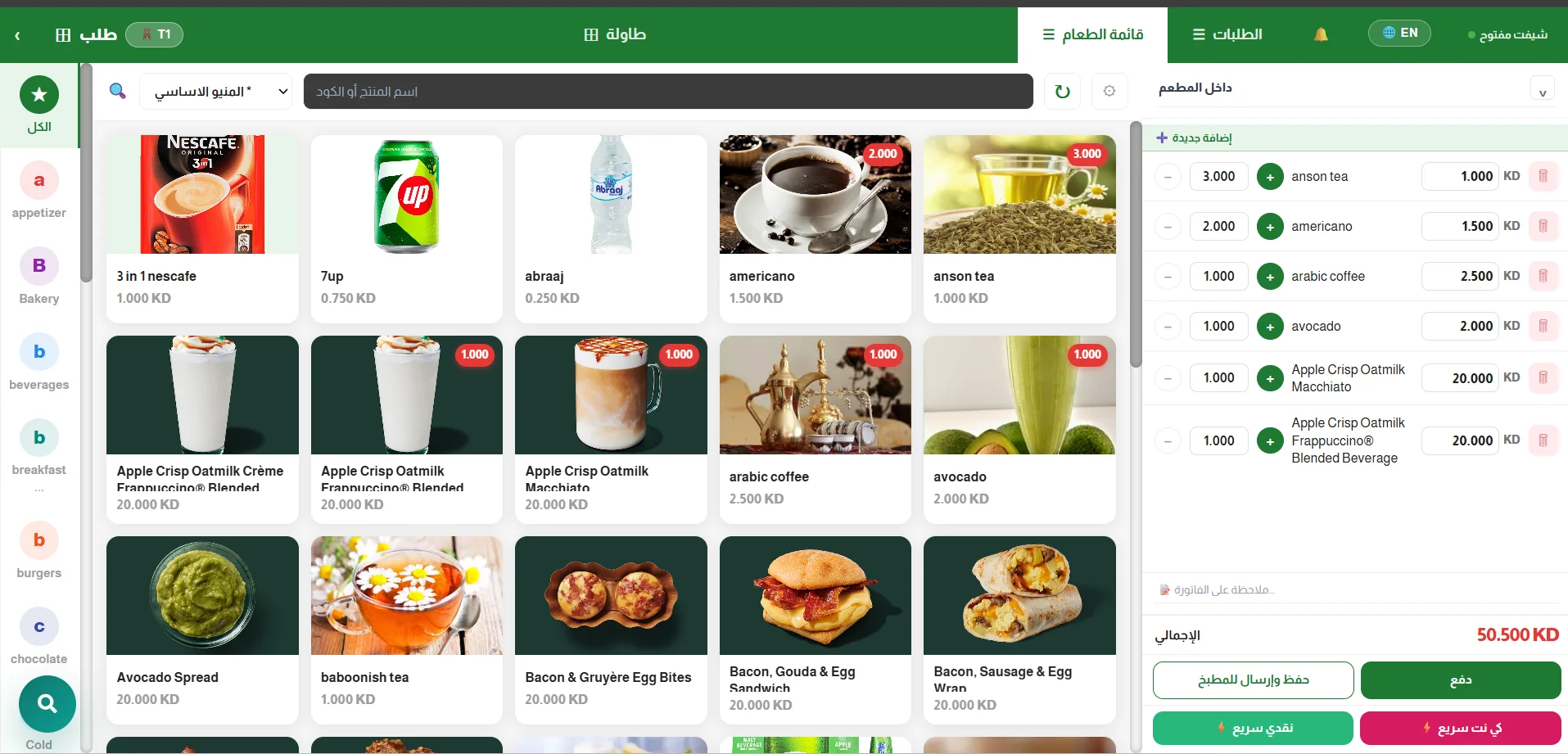
Many places in Kuwait are a restaurant and a café at once: takeaway coffee in the morning, lunch tables, and desserts in the evening. That model needs a POS that combines counter speed with table service.
A fast counter for drinks
Drinks with size, milk, sugar and add-on options in one tap, and instant payment for takeaway.
Tables for food
Open the table on the floor plan, send items in rounds, and close or split the bill between guests.
Separate bar and kitchen
Drinks go to the bar station and food to the kitchen, each on its own display or printer.
A menu by branch
A menu for each branch with its prices, and temporary pausing of items that are not available.
How to start in KEMET
- Split the menu into drink and food categories
- Add drink options as modifiers
- Route drinks to the bar and food to the kitchen
- Test a takeaway order and a table order at the same time
An example from a restaurant
A café that serves breakfast: from 7 to 10 most orders are takeaway coffee at the counter; from 10 the tables fill up. The same cashier handles both, and the bar and kitchen each receive their own items.
Common questions
Can a drink have several options?
Yes. Size, milk type and add-ons are options that affect the price and appear on the bar ticket.
Are table QR orders supported?
Yes. Guests can order from the table code, and the team reviews the request before sending it.
Can I pause an item that ran out?
Yes. You stop selling the item in the branch temporarily and bring it back when it is available.
Want to see it on your restaurant?
We show you the system on your own restaurant and help you choose the right plan and devices for your branches.