
Delivery and drivers
Managing restaurant delivery: zones, fees, assignment and tracking every order
Delivery zones per branch with fees, minimums and lead times; assignment to an in-house driver or an external service; and tracking to delivery or a failed attempt.
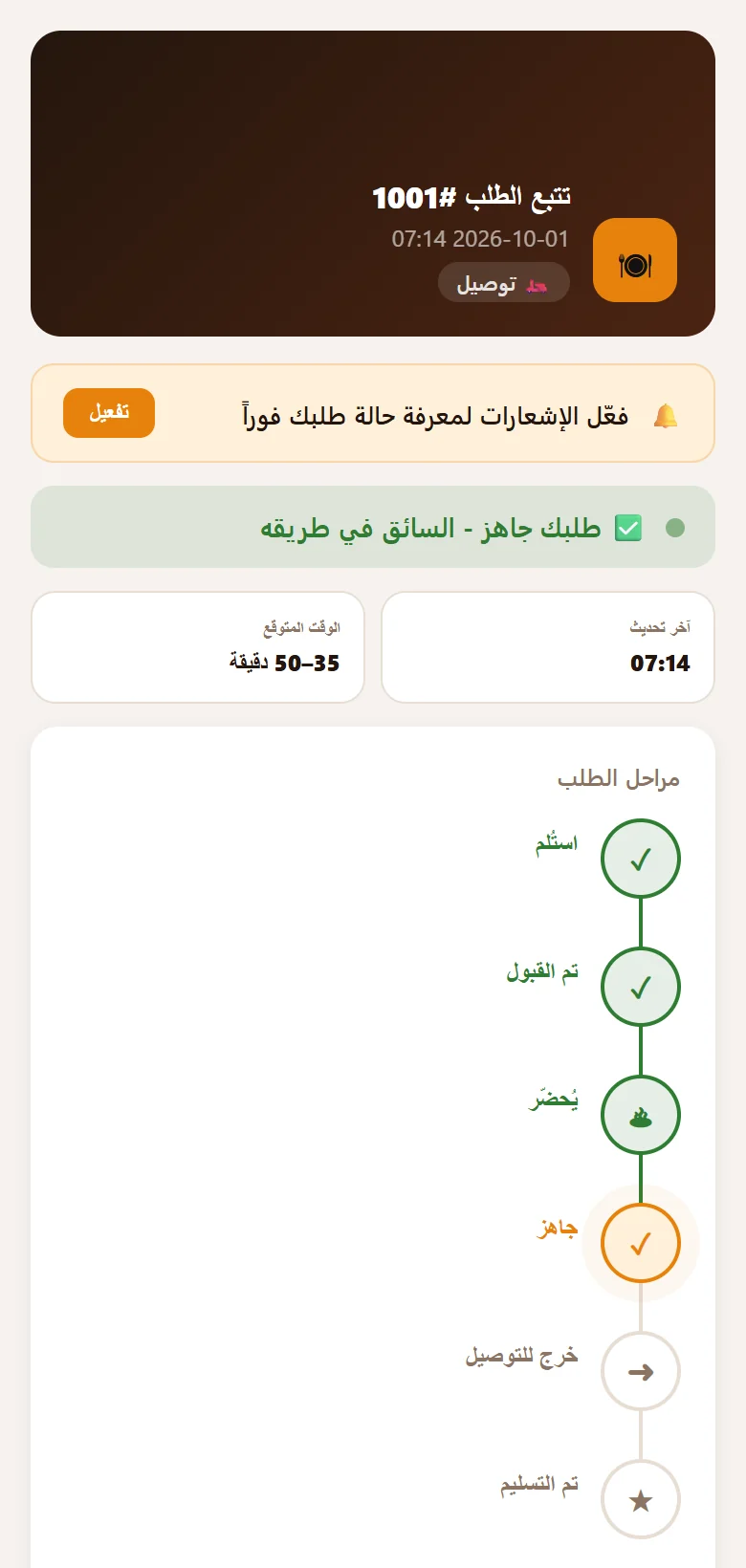
Most delivery complaints come from two things: the wrong branch or fee for an address, and an order nobody can locate. Setting zones and tracking assignment solves most of both.
Delivery zones
Each zone has its branch, fee, minimum order and lead time. Test one address inside the coverage and one outside it before going live.
Assignment and tracking
Assign the order to an in-house driver and follow acceptance, pickup, transit and delivery, or send it to a supported external delivery service with its reference.
Failed attempts
Record why an order was not delivered, then retry, return it to the branch or cancel it, keeping the order’s history complete.
Delivery reports
Delivery revenue by zone, order outcomes and driver performance, to see which zones pay and which need review.
How to start in KEMET
- Draw delivery zones for each branch
- Set fees, minimums and lead times
- Prepare drivers or the external delivery service
- Follow the first delivery orders to completion
An example from a restaurant
A restaurant with branches in Hawalli and Jahra: after drawing zones, Jahra and Qasr orders go to the Jahra branch with a 0.750 fee, and Salmiya orders to Hawalli with 0.500, without the cashier deciding.
Common questions
Does the system pick the branch from the address?
The zone linked to the address sets the branch and fee, so the right ones appear to the cashier and on the ordering site.
Can fees differ between zones?
Yes. Each zone has its own fee and minimum.
Is the reason for a failed delivery recorded?
Yes, and the reasons appear in the delivery outcomes report.
Want to see it on your restaurant?
We show you the system on your own restaurant and help you choose the right plan and devices for your branches.