
POS devices
A restaurant POS on computers, tablets, phones and POS terminals
KEMET runs in the browser on Windows, Android and iPad, with apps for waiters and drivers, kitchen and customer displays, printers through the print agent, and fingerprint devices for attendance.
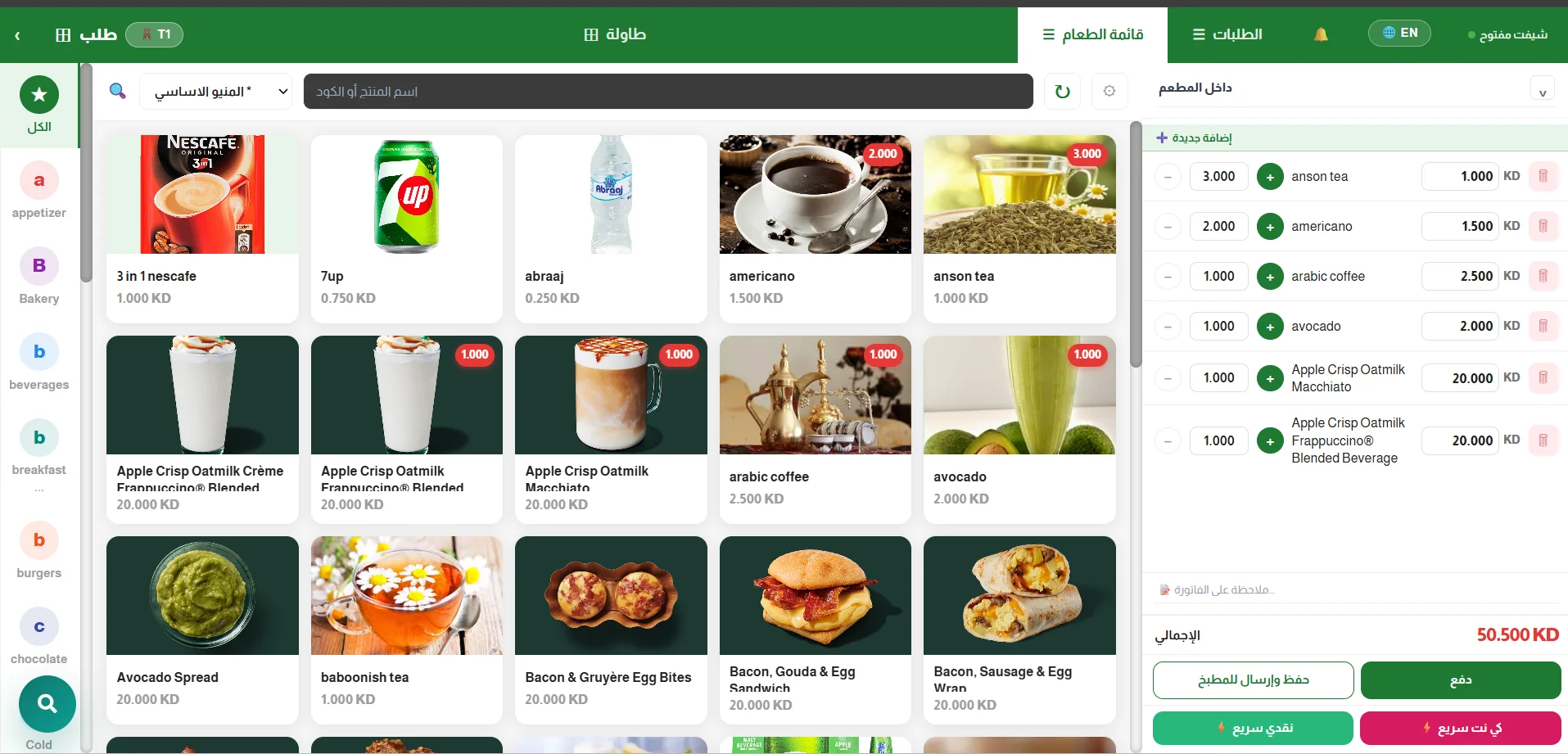
Each place in a restaurant has its own device: a fixed till at the counter, a tablet in the waiter’s hand, a screen in the kitchen, and a phone with the driver. What matters is that they all work on the same data at the same moment.
Cashier
A Windows, Android or iPad cashier device with a modern browser, and an optional customer display.
Waiter
The K-Waiter app on a tablet: open the table, send the order to the kitchen, print the ticket and hand off the bill.
Kitchen and driver
A tablet or screen for each kitchen station, and the K-Driver app on the driver’s phone.
Printers and attendance
Receipt and kitchen printers through the print agent, and fingerprint devices that link staff attendance to the system.
How to start in KEMET
- List the devices in the branch
- Decide the device for each role
- Install the apps and the print agent
- Test each device with a training order
An example from a restaurant
A family restaurant uses an iPad at the till, an Android tablet for the waiter, a kitchen screen and the drivers’ phones. The waiter sends the order from the table, it appears in the kitchen, and the cashier closes it by KNET.
Common questions
Do I need a particular type of device?
No. Any device with a modern browser works. We help you choose what suits your branch’s load.
Do devices work together at the same time?
Yes. All devices use the same account and data in real time.
Can a fingerprint device be connected?
Yes. Supported devices are linked to the branch and their IDs matched to employees.
Want to see it on your restaurant?
We show you the system on your own restaurant and help you choose the right plan and devices for your branches.