
Restaurant POS
A restaurant POS system: how devices, printers and the invoice fit together
From the cashier device to the kitchen printer, the customer display and the invoice layout: the parts of a restaurant POS and how to set them in KEMET.
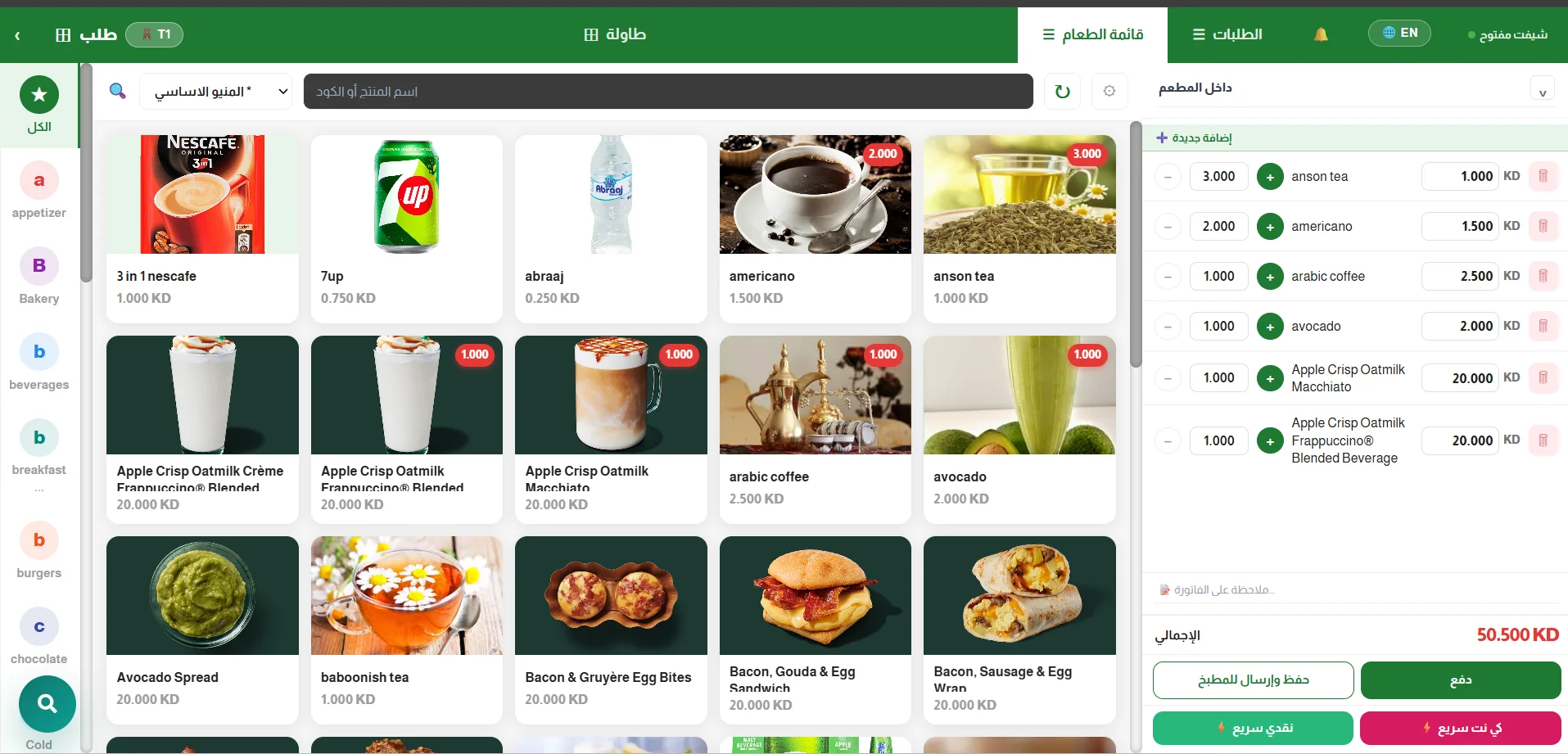
A restaurant point of sale is not one device. It is the cashier device, the receipt printer, a printer or display for each kitchen station, and sometimes a customer display. It works when every ticket reaches the right place.
Print routing
Decide which printer receives the receipt and which receives each station’s ticket, by branch, order source and order type, and trace late or duplicate output from the job status.
Customer display
A small screen facing the guest shows items and the total during entry, and can show images or a heading.
Invoice numbering and layout
Numbering per branch and a print layout in Arabic and English, tested with a training invoice before going live.
Kitchen order tickets (KOT)
A ticket per station with its items, modifiers and notes, separate from the guest’s bill, and reprintable from the order.
How to start in KEMET
- Install the print agent and link it to the branch
- Register the cashier printer and station printers
- Set routing rules for each event
- Print a test receipt and ticket and check where they land
An example from a restaurant
A branch with two stations, grill and starters: one order with grills and hummus prints two tickets, each at its station, while the guest’s bill prints only at the cashier.
Common questions
What if a kitchen ticket does not print?
Trace the job by its number: is the problem the agent connection, the printer or the routing rule? Then reprint from the order itself.
Can the same item print at two stations?
Yes, according to the routing rules you set per category and station.
Can each branch have its own invoice layout?
Yes. A layout and numbering scheme can be linked to each branch.
Want to see it on your restaurant?
We show you the system on your own restaurant and help you choose the right plan and devices for your branches.