
Restaurant management
A restaurant system that holds up under branches and accounting, not just a till screen
A restaurant system shows its strength under pressure: many branches, precise permissions, recipe-based stock and books that close without gaps. That is what KEMET is built for.
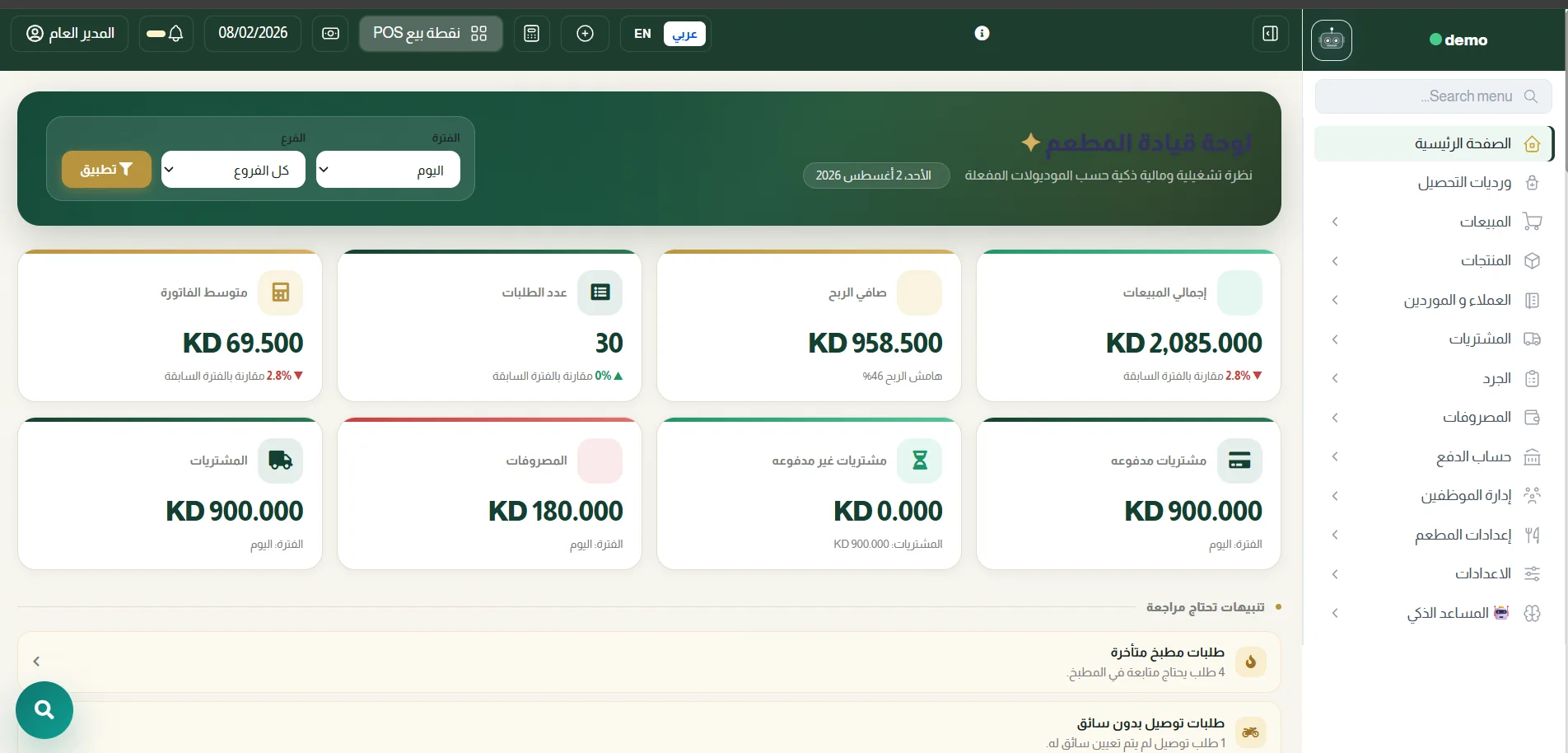
Every POS looks good in a demo. The real test comes on a busy night, when the third branch opens, or when the accountant reviews the month. These are the criteria we use to measure strength, and how KEMET covers them.
One record from order to journal
In KEMET the invoice is the source of stock, journal entries and reports. There is no sync between separate programs, so the same day never shows two different totals.
Permissions by role and branch
Cashiers see their own branch, accountants see journals without editing the menu, and managers approve discounts and returns. Every change stays recorded under the person who made it.
Recipe-based inventory
Each sold item consumes its ingredients; central-kitchen output is transferred to branches and received at actual quantities; counts reveal the gap between expected and actual stock.
Disciplined day close and accounts
A branch does not close its day before shifts and pending documents are reviewed. The trial balance and profit and loss then come from the same movements.
- Accounting periods that can be locked
- Manual journals backed by a source document
- Reconciliation of payment-gateway and delivery-app payouts
How to start in KEMET
- Define roles and permissions for each branch
- Link the menu to recipes and ingredients
- Run a full business day in one branch, up to day close
- Compare the trial balance with the branch report for the same period
- Roll the same setup out to the other branches
An example from a restaurant
A three-branch chain with a central kitchen: branches send preparation requests in the morning, the kitchen records and transfers output, and by evening each branch sees its actual usage and margin, while the accountant closes the month from the same data.
Common questions
How can I test a system’s strength before subscribing?
Run a full scenario: a table order, a split bill, a return, a stock transfer between two branches and a day close. Check that the figures match in every report.
Does it support central kitchens?
Yes. A branch requests preparation, the kitchen records actual output, and the transfer is received at real quantities with differences tracked.
Can I see who changed a price or voided an order?
Yes. Important actions are recorded with the user and time, and permissions can be reviewed from the employee’s own account.
Is it suitable for a single-branch restaurant?
Yes. You start with one branch and the same tools; a new branch is added under the same account without moving data.
Want to see it on your restaurant?
We show you the system on your own restaurant and help you choose the right plan and devices for your branches.