
Restaurant management
How to choose the best restaurant system for your own restaurant in Kuwait
The best system is the one that works in your real scenario. Here is a practical checklist, and how to test it during the trial.
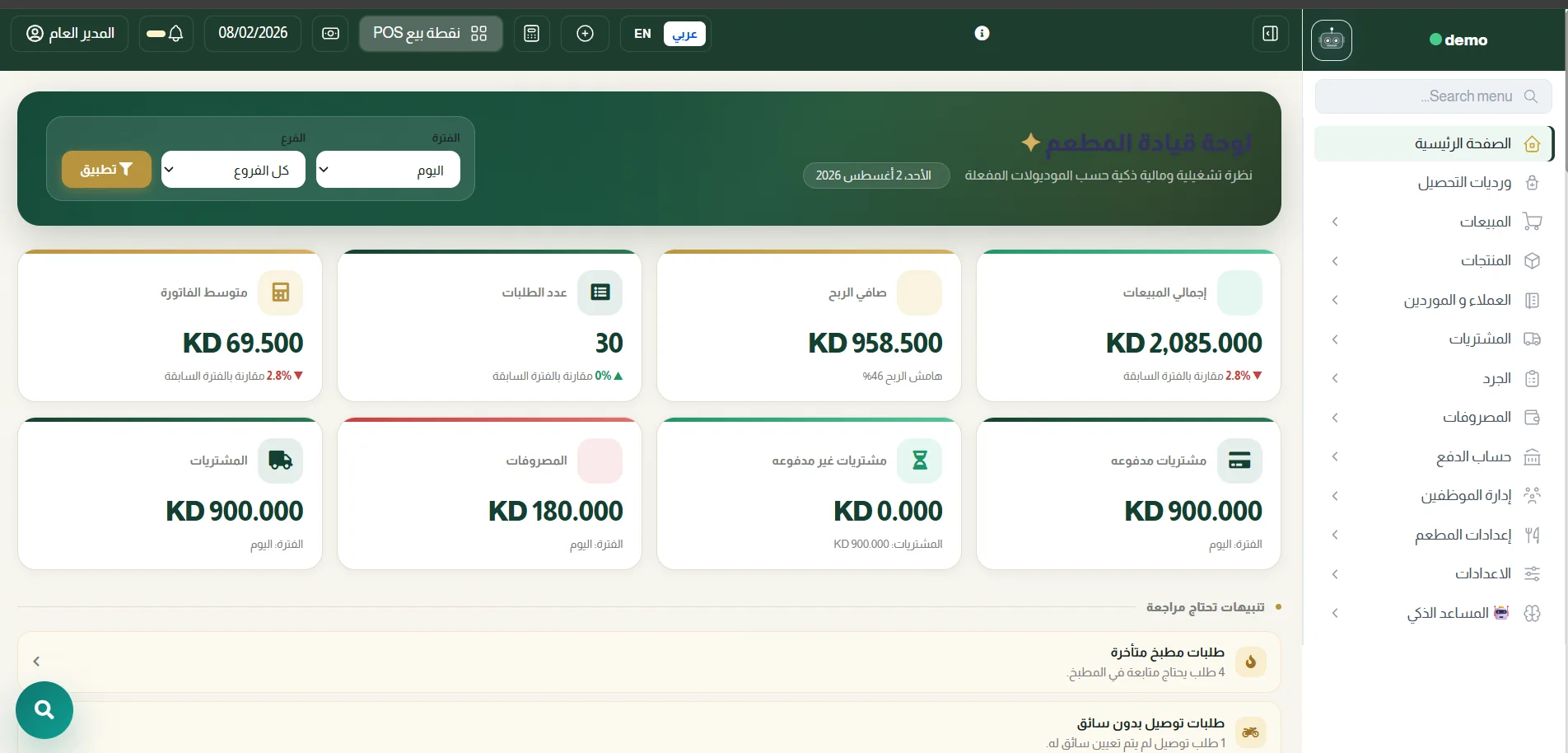
Feature-count comparisons rarely help, because every system publishes a long list. It is better to describe how your restaurant really works, then test the system on that exact scenario. These are the criteria we suggest, and how to try them in KEMET.
A fast, clear cashier screen
Can a new employee enter an order with modifiers and notes after a few minutes of training? Is paying with more than one method easy?
Orders reach the kitchen without paper
Does each item reach the right station on the screen or printer? Are waiting time and notes visible?
Stock and cost
Does the system consume ingredients by recipe? Does a stock count reveal differences and explain them?
Reports and closing
Do shift figures match the till, the branch report and the accounts? Can any number be traced to its invoice?
Growth and support
Can you add a branch or delivery channel without moving data? Is support available in your language and working hours?
- Arabic support on WhatsApp
- A user guide in Arabic and English
- A free trial before paying
How to start in KEMET
- Write down a real business day in your restaurant
- Ask for a trial account and enter part of the menu
- Run the scenario with your staff, not only with a sales rep
- At the end of the day, compare shift figures with the reports
- Decide based on what happened in the trial
An example from a restaurant
A shawarma restaurant tests its peak hour: three cashiers enter takeaway orders with add-ons, the kitchen receives them on screen, and after the hour the manager compares order count and collection in the report with the till.
Common questions
What is the best restaurant system in Kuwait?
The best one is the one that runs your restaurant: your orders, kitchen, branches and payment methods. That is why we recommend testing a real scenario before deciding.
How long does a trial setup take?
Registering the account and branch takes minutes; then you enter the menu and connect printers. We can also show you the system on your restaurant.
Is pricing clear?
Yes. Plans and their yearly price per branch are published on the pricing section; devices are not included.
Does it suit cafés too?
Yes. The same system serves restaurants, cafés and cloud kitchens, with settings for each type.
Want to see it on your restaurant?
We show you the system on your own restaurant and help you choose the right plan and devices for your branches.