
Place a purchase order and receive against it
Record the order before delivery and link purchase invoices to track received and outstanding quantities.
Steps
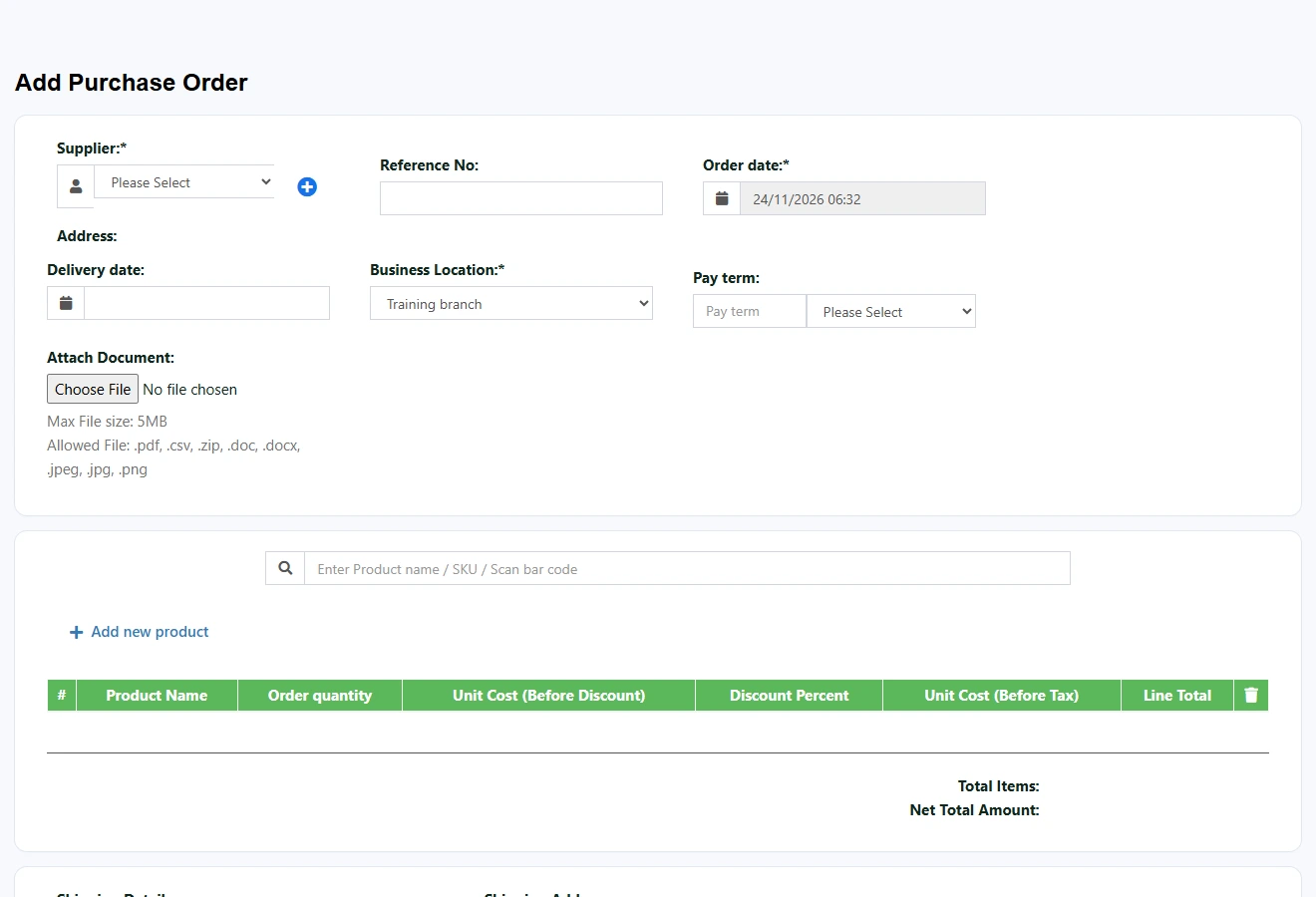
-
Start with an internal request if used
In Purchases → Purchase requisition record the branch's needs.
-
Create the purchase order
In Purchases → Purchase order choose supplier and branch and enter items, quantities and prices.
-
When goods arrive
In Add purchase choose the same supplier and branch and select the purchase order.
-
Record only what arrived
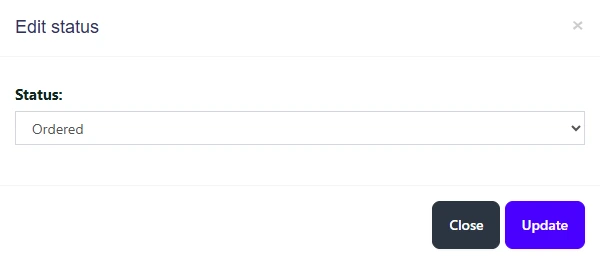
Set the quantity to what actually arrived and choose Received. The rest goes on another purchase for the same order.
-
Check the remainder
Open the purchase order to see ordered, received and outstanding.
Fields and buttons
| Field or button | When to use it | Result and how to check |
|---|---|---|
| Purchase order reference | Select the order matching the supplier reference | Linking the purchase shows what was ordered and received. |
| Supplier and branch | Verify both before importing the lines | The liability follows the supplier and receipt goes to the selected site. |
| Ordered and outstanding | Compare the order line to the current delivery note | If 20 were ordered and 12 arrived, record 12 now and leave 8 outstanding. |
| Received quantity and final cost | Enter actual quantities and verify final invoice prices | The authorized receipt details determine document and layer value. |
| Receipt status | Check order history and item movement | Track each receipt by document and verify the remainder before the next shipment. |
Screen images
Worked example
A 12-case order
Eight cases arrived today. Record eight on a purchase linked to the order and check that four remain. At 12 litres per case, the branch movement is 96 litres.
From ChatGPT or Claude
Once KEMET is connected to your assistant, copy and send this request:
Create a purchase order for this supplier and receive part of it when it arrives.
The assistant reads data right away. Any change is shown to you in KEMET for approval before it runs, within your account permissions only.
Tools the assistant uses here
restaurant_propose_create_purchase_orderrestaurant_propose_receive_purchase_orderrestaurant_get_purchase_order
Verify the result
- The linked purchases use the same branch, supplier and order.
- Stock changed by the amount received, and the order balance agrees with delivery documents.
Common problems
The order does not appear for the supplier
Check the purchase order setting, supplier, branch and whether the order is still open.
The order shows no remainder despite a short delivery
Review linked invoice quantities and the order status before accepting another delivery.
For: Branch manager Accountant Purchasing and stock
Screens and buttons depend on your account permissions and branches. Images show KEMET with training data.