
Restaurant setup and operations
Cashier software that records orders by service type and traces every payment and return
Dine-in, takeaway and delivery orders with clear paths, and payments and returns with traceable references, for shift handovers without mysteries.
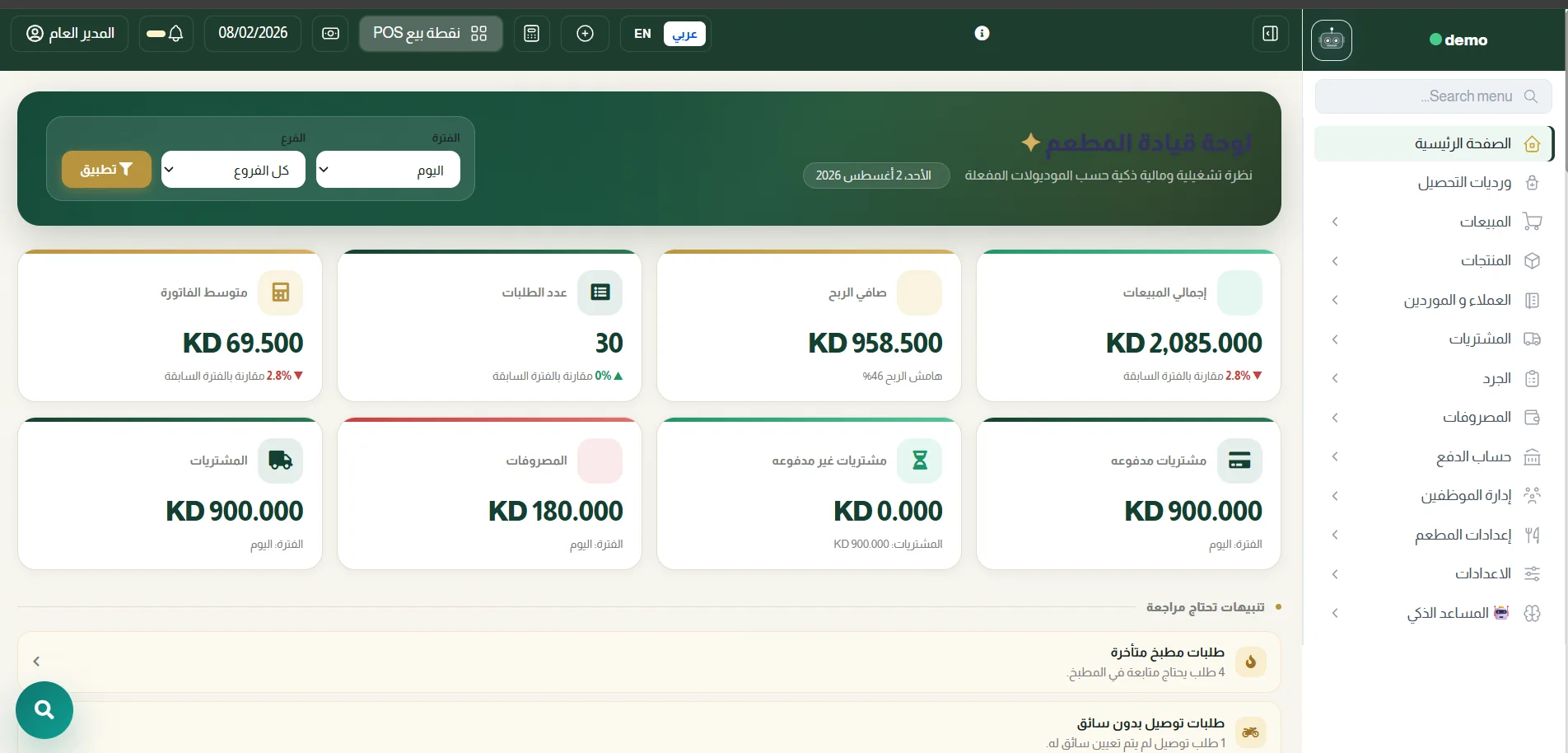
What matters most in cashier software is that every amount makes sense: which invoice, which method, and who recorded it. When payments and returns are tied to the original invoice, handing over a shift becomes easy.
Service type
Dine-in on a table, takeaway paid at once, and delivery to a customer with an address and fee. Each type shows separately in reports.
Payments
Record the actual amount for each payment method, and check the balance before closing the invoice.
Returns
Choose the quantity and condition of each item from the original invoice, then record what was actually paid back.
Exchanges
Apply the return credit to a replacement invoice, and track what remains to collect or refund.
How to start in KEMET
- Test an order of each service type
- Record a split payment
- Run a return and an exchange from a training invoice
- Review the shift
An example from a restaurant
A guest returns an item from a takeaway order and takes a more expensive one instead. The cashier applies the return credit to the new invoice and collects only the difference.
Common questions
Can a refund use a different method from the payment?
You choose the payout method from the credit note, and it stays traceable.
Does a refund show on the cashier’s shift?
Yes, on the shift of the person who paid it.
Can returns require approval?
Yes. Returns are a permission you grant to the people you choose.
Want to see it on your restaurant?
We show you the system on your own restaurant and help you choose the right plan and devices for your branches.