
Restaurant setup and operations
Test a POS on a full service cycle before you choose
Instead of comparing lists, run a full service scenario from order to day close, and watch where the system stumbles.
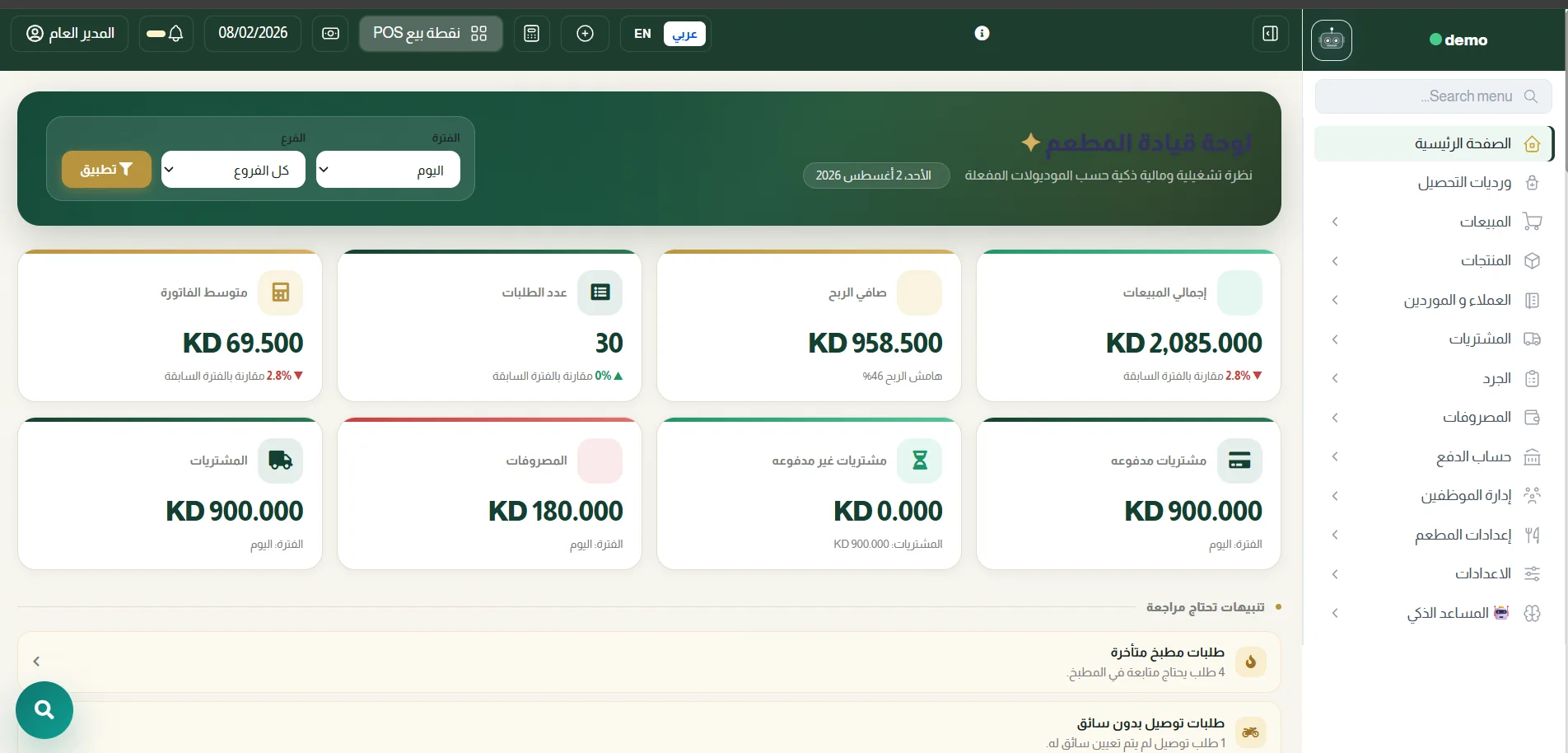
Every demo succeeds with one simple order. The difference shows in everyday complications: a guest changes their order, a table splits the bill, a return after payment, a difference in the till. Here is a suggested test scenario.
Floor operations
Open a table, add items in two rounds, move the table, then split the bill for two guests.
Order handover
Check each item reached its station, modifiers and notes are visible, and ready items are signalled to the waiter.
Payment and returns
Pay part by KNET and part in cash, then return an item from a paid invoice.
End-of-day checks
Close the shift and reconcile the till, compare the branch report with invoices and returns, and close the day.
How to start in KEMET
- Write the scenario down
- Run it in the trial account with your team
- Note any step that is hard or unclear
- Ask support about each point before deciding
An example from a restaurant
An owner runs the scenario with two staff in an hour, finds that splitting a bill shares the service charge automatically and that the shift report matches the till, and decides to start with one branch.
Common questions
How long does this test take?
An hour or two with your team, once part of the menu is set up.
Can you help me run the test?
Yes. We can show the system on your restaurant and walk through the scenario with you.
What if I need a step that is missing?
Ask us about it; it may be an existing setting, or we review whether it can be supported.
Want to see it on your restaurant?
We show you the system on your own restaurant and help you choose the right plan and devices for your branches.