
Restaurant management
A restaurant system with AI: ask ChatGPT or Claude about your restaurant
Connect your KEMET account to ChatGPT or Claude and ask about sales, branches and items in your language. It reads with your permissions, any change needs your approval, and nothing can be deleted.
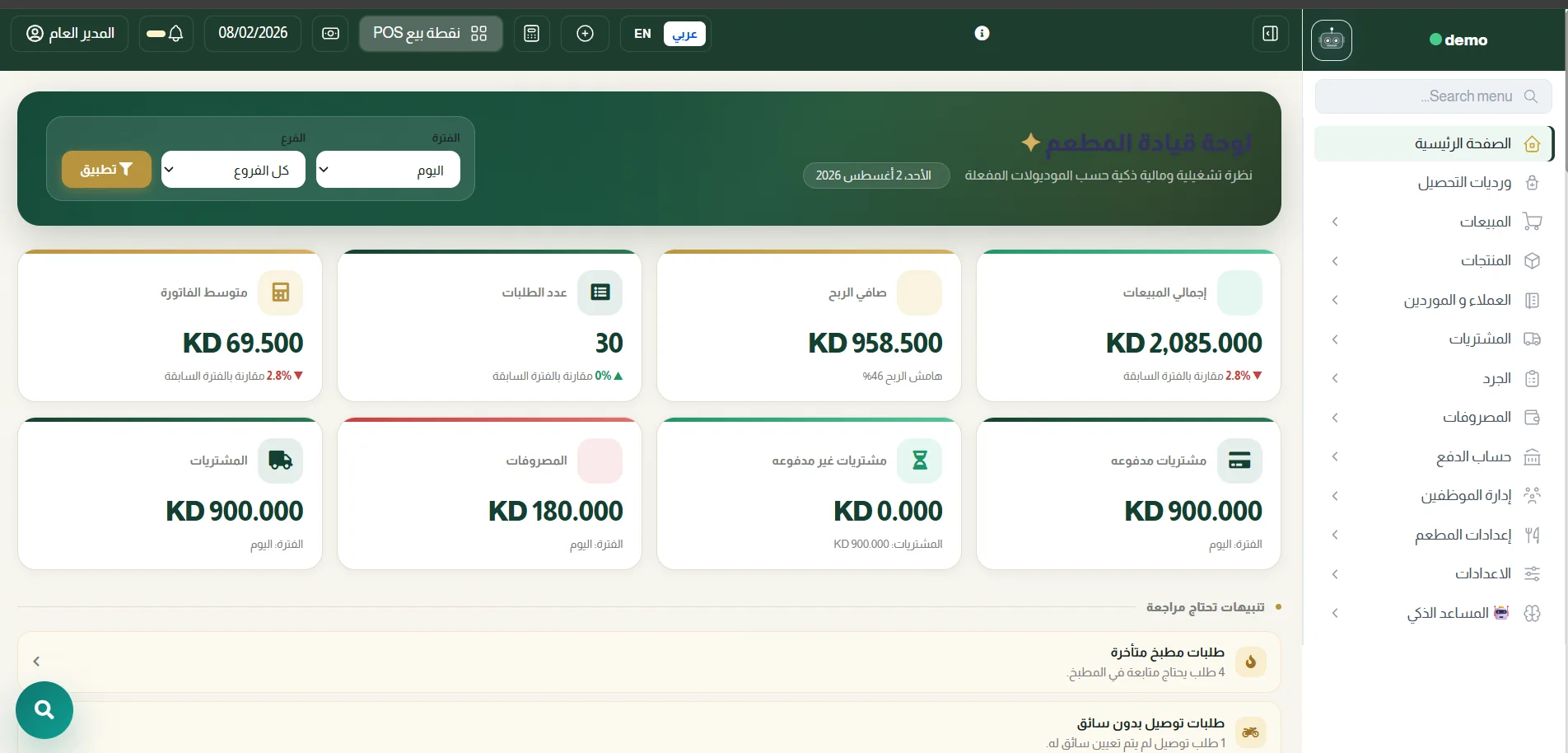
Instead of opening ten reports to understand your day, ask one question: “Which branch slipped this week?” The KEMET connector lets an AI assistant read your restaurant’s reports safely and turns change requests into proposals you review inside KEMET.
Ask about your numbers in your language
Branch sales, best and slowest items, expenses, online orders and stock: the assistant reads them from KEMET reports and explains them.
With your permissions only
The assistant sees only the branches and reports your account allows, and never goes beyond your permissions.
Changes by proposal and approval
If you ask for a change, such as pausing an item that ran out or editing a price, the assistant prepares a proposal you review and approve inside KEMET. It does nothing on its own and cannot delete data.
- A clear preview of what will change
- Approve or decline from your account
- A record of every proposal
Works with ChatGPT and Claude
Connection through the official KEMET connector, with steps in the restaurant guide.
How to start in KEMET
- Check your account is enabled for the connector
- Add the KEMET connector in ChatGPT or Claude
- Sign in with your KEMET account and allow reading
- Ask about yesterday’s report, then try a change proposal and review it
An example from a restaurant
An owner asks Claude in the morning: “Compare my branches’ sales this week with last week.” The assistant reads the KEMET report and shows the difference for each branch, then proposes pausing an item whose ingredient ran out; the owner reviews and approves it.
Common questions
Can the assistant change my data on its own?
No. Any change reaches you as a proposal to review inside KEMET and runs only with your approval.
Can it delete invoices or items?
No. Deleting is not available through the connector.
Does it see every branch?
Only what your account’s permissions allow.
Does it work in Arabic?
Yes. You ask and get answers in your language.
Want to see it on your restaurant?
We show you the system on your own restaurant and help you choose the right plan and devices for your branches.