
Restaurant management
Staff attendance by fingerprint, shifts and leave in the restaurant system
Connect fingerprint devices to branches, map their IDs to employees, and follow attendance, shifts and leave in the same system that runs the restaurant.
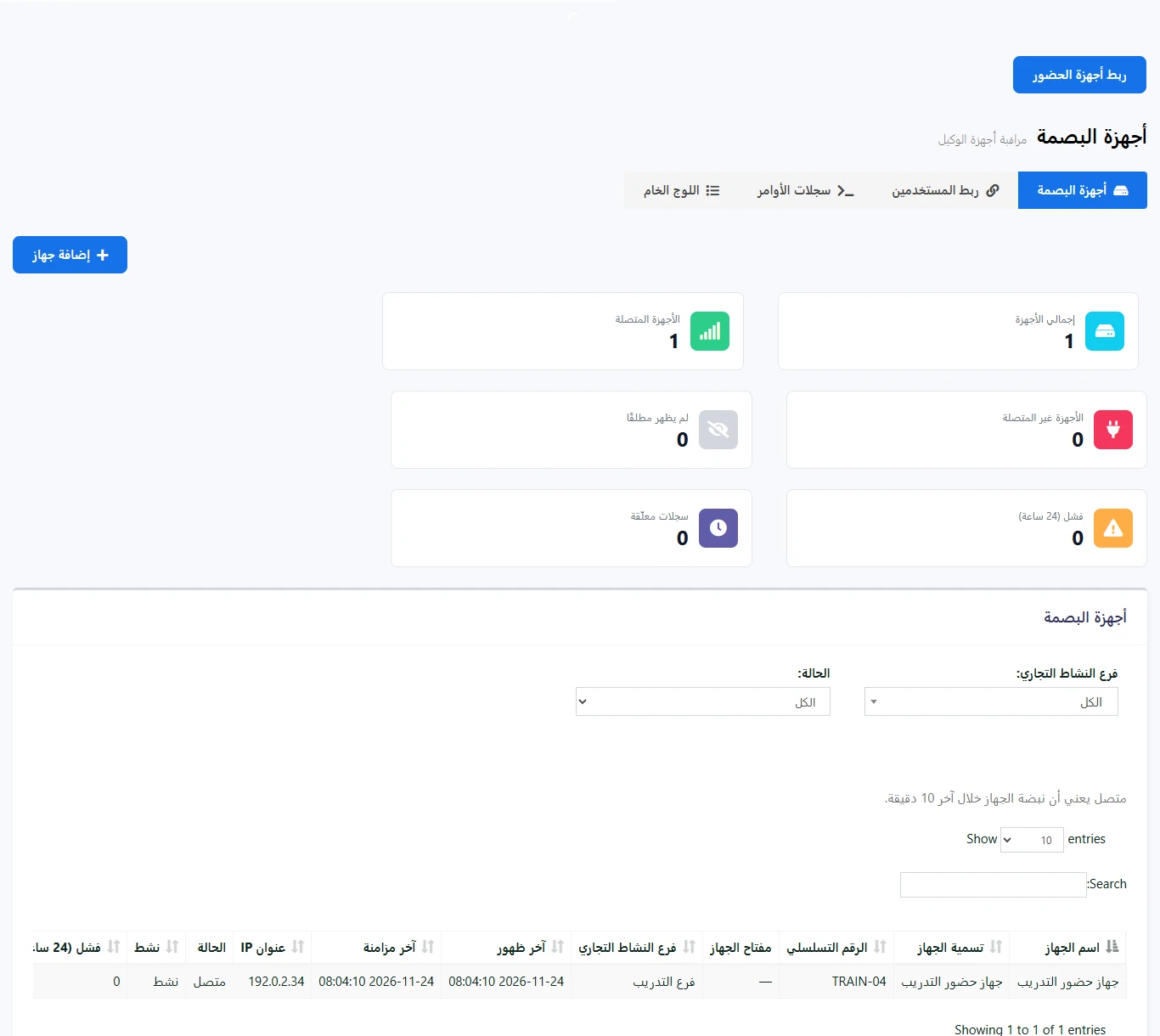
Restaurant shifts change every week and staff move between branches. When fingerprints and leave live in a separate system, they are hard to tie to shifts and pay. In KEMET they sit in the same place.
Fingerprint devices
Connect the fingerprint device to its branch with a connection method it supports, and verify the first attendance event before relying on it.
Mapping employees
Match each employee’s device ID to their KEMET account, and trace an event from the device to the attendance record.
Shifts and leave
Shift templates, assigning staff to them, and leave requests that go through approval.
Permissions and branches
Each employee has a role and branches, sees only what they need, and permissions are reviewed from their account.
How to start in KEMET
- Connect the fingerprint device to the branch
- Map employee IDs
- Prepare shift templates
- Review the first week of attendance
An example from a restaurant
A two-branch restaurant connects a fingerprint device in each branch. At the end of the week the manager reviews lateness for each employee and approves a cashier’s leave request in the same system.
Common questions
Does it work with any fingerprint device?
It works with supported devices over the available connection methods. Send us your model to check.
Does lateness show?
Yes. Attendance reports show lateness by employee and period.
Is attendance in every plan?
HR and fingerprint attendance is a module enabled by subscription. Ask us for details.
Want to see it on your restaurant?
We show you the system on your own restaurant and help you choose the right plan and devices for your branches.