
Restaurant setup and operations
The best cashier system: speed for staff, accuracy for the books, control for the owner
Three things make a cashier system good: it speeds up staff, makes every amount accurate, and gives the owner control over discounts and voids.
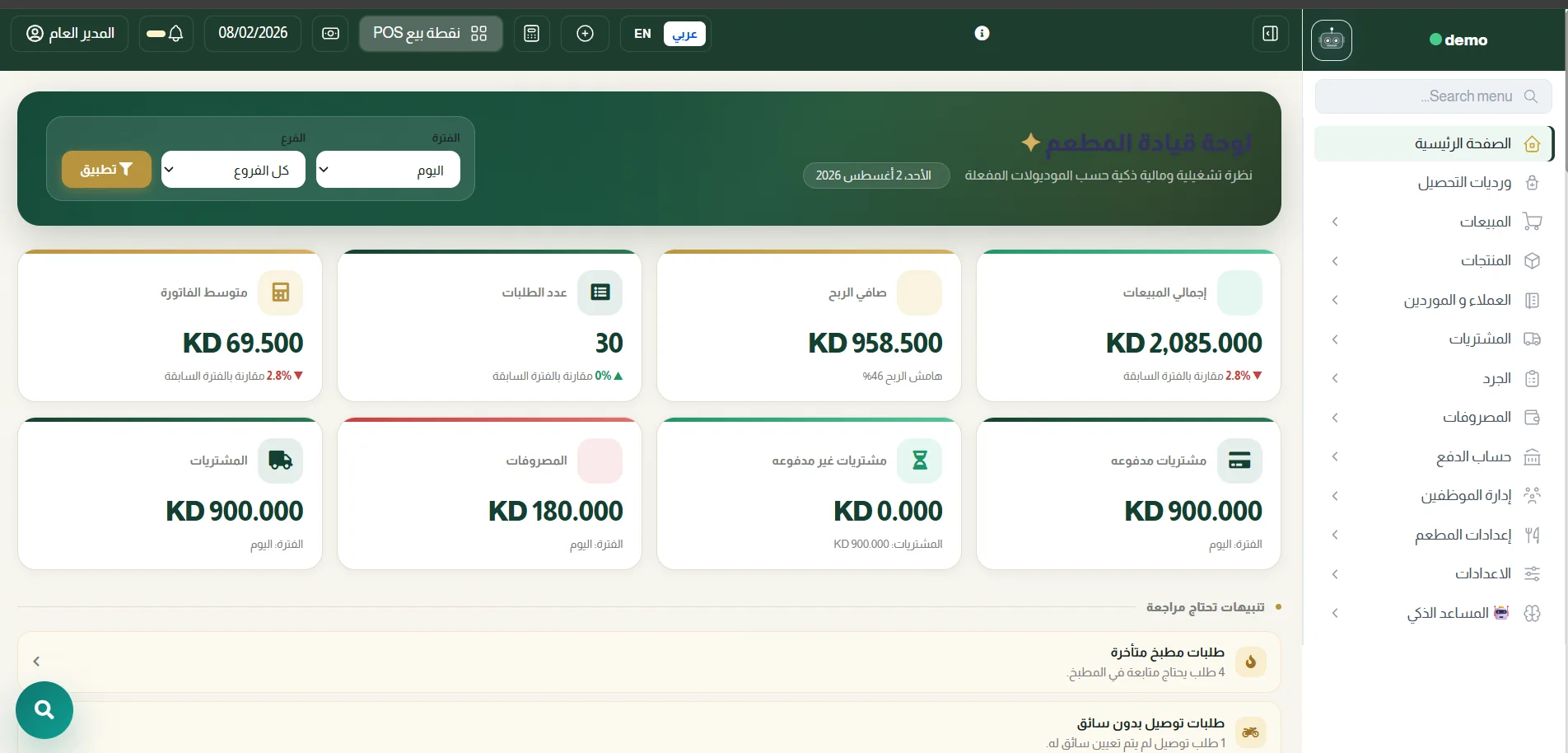
The cashier stands between the guest, the kitchen and the cash box. If the system is slow, guests wait; if it is inaccurate, money is lost; if it has no controls, unjustified discounts grow.
Speed
A menu arranged with photos, ready modifiers and one-step split payment.
Accuracy
Every payment with its actual amount and method, every return from its invoice, and a shift close that reveals any difference.
Control
Discounts and voids by permission, a report of discounted invoices with reasons, and a review of each employee’s permissions.
Consistency across channels
The same item at the same price, or at the channel price you set, and the same discount at the till and online.
How to start in KEMET
- Arrange the menu for speed
- Set discount and void permissions
- Review the discount report weekly
- Reconcile shifts daily
An example from a restaurant
The discount report shows 70% of discounts come from one evening shift. The owner limits discount permission to the manager, and discounts drop the next week.
Common questions
Can I cap discounts?
Discounts follow the permissions and rules you set, and every discount appears in the report with its reason.
Can I see who voided an item?
Yes. Actions are recorded under the user.
Does an item’s price differ between the till and the site?
Only if you set a channel price; otherwise it is the same price.
Want to see it on your restaurant?
We show you the system on your own restaurant and help you choose the right plan and devices for your branches.