
Restaurant setup and operations
Compare POS systems on real tasks, not feature lists
Five everyday tasks that reveal the difference between restaurant POS systems, and how to measure each system on them.
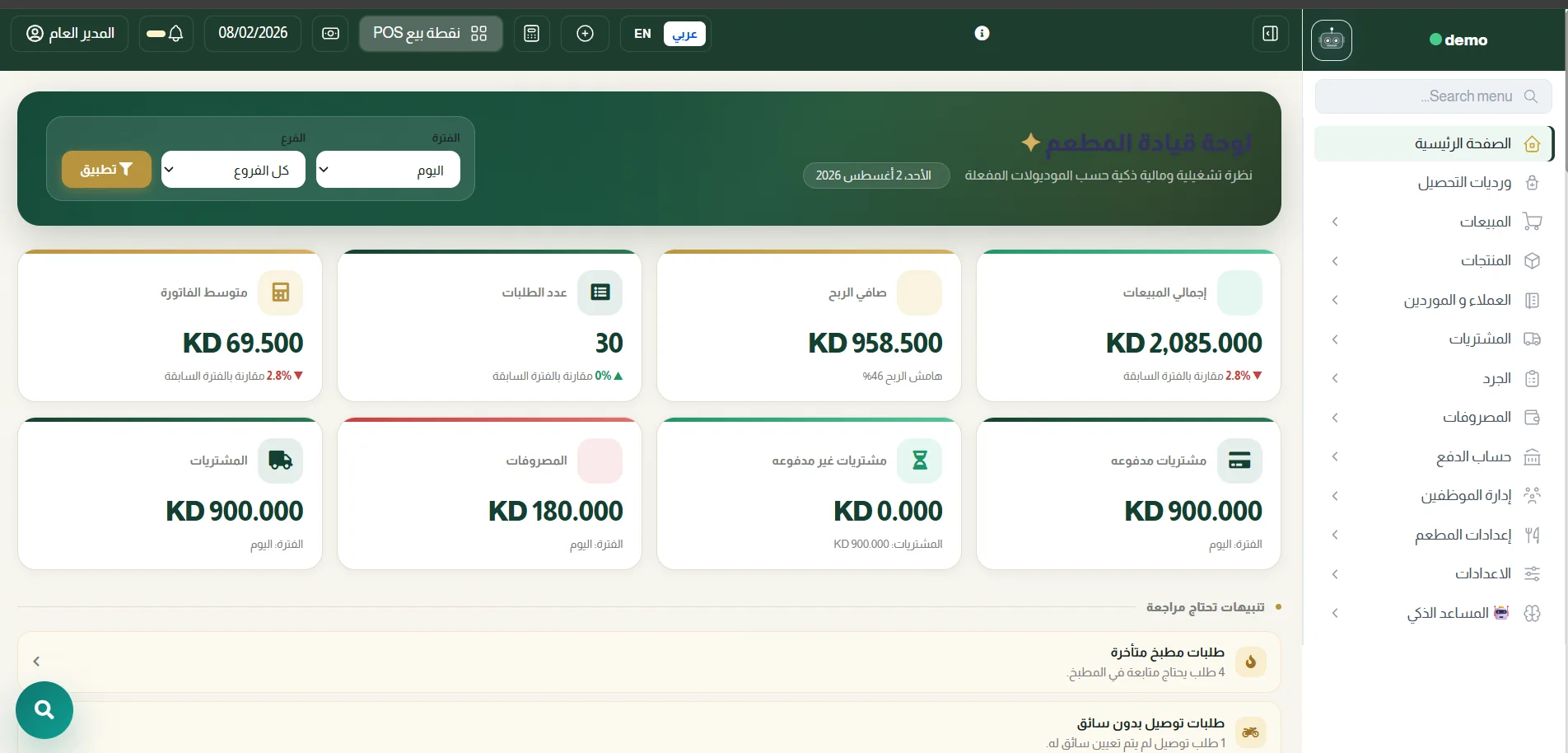
Feature lists look alike, but daily use differs a lot. Pick five tasks that happen in your restaurant every day, run them in each system you compare, then compare time, clarity and outcome.
Task 1: an order with modifiers at peak
How many taps? Are modifiers clear? Did it reach the kitchen correctly?
Task 2: splitting a table bill
Are service charge and discount shared automatically? Does stock stay correct?
Task 3: a return after payment
Is it linked to the original invoice? Does the amount show on the right shift?
Task 4: counting an item
Does it reveal the difference and explain it before the adjustment?
Task 5: closing the shift
Does the till match the system? Does the branch report match the invoices?
How to start in KEMET
- Pick five tasks from your day
- Run them in each system with the same data
- Note the time and observations
- Choose the system that completed them with less effort and more clarity
An example from a restaurant
An owner compares two systems on the five tasks. The first is faster at ordering, but splitting a bill is manual and does not share the service charge. The second completes all five without outside calculations, so the owner chooses it.
Common questions
Is the free trial enough for a comparison?
Yes. The five tasks take a few hours in a trial account.
Is price an important criterion?
Yes, but also count the team time, waste and errors the system saves.
Where are KEMET’s prices?
In the pricing section of the home page, per branch per year.
Want to see it on your restaurant?
We show you the system on your own restaurant and help you choose the right plan and devices for your branches.