
Restaurant management
A lightweight restaurant system: no servers, no heavy installation
KEMET runs in the browser on the devices you already have, and printers connect through a small print agent, so you start fast and add devices when needed.
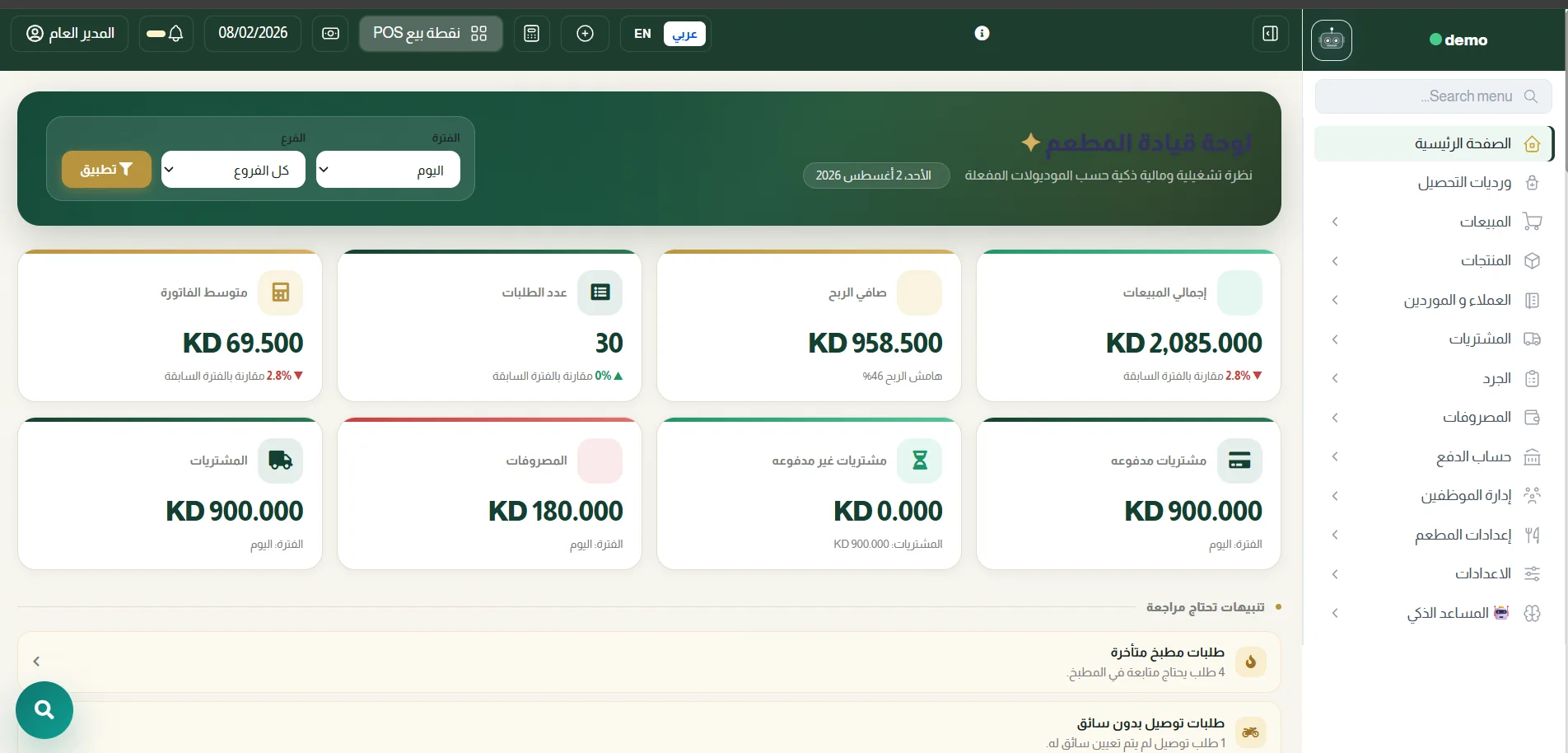
Some systems need a server in the restaurant, installation on every computer and manual updates. That raises cost and lets any fault stop the branch. A lightweight system relies on the browser and the cloud, so branches run on simple devices and data is reachable from anywhere.
Straight from the browser
Open KEMET on a Windows computer, an Android tablet, an iPad or a phone. There is no large program to install and maintain on each device.
A small print agent
For receipt and kitchen printers, install the print agent on a Windows machine in the branch; KEMET then sends each receipt and kitchen ticket to the right printer.
More devices when needed
Add a kitchen display, a waiter tablet or a customer-facing display at the till without changing the base setup.
Data in the cloud
Data is kept in the cloud, so if a device fails in the branch you open the system on another device and carry on.
How to start in KEMET
- Choose the cashier device from what you already have
- Install the print agent on a Windows machine in the branch
- Connect the receipt and kitchen printers and print a test
- Add a waiter tablet or kitchen display if needed
An example from a restaurant
A cloud kitchen starts with one laptop, a thermal printer and a kitchen tablet. When orders grow it adds a second tablet for the grill station, which receives only its own items.
Common questions
Which browser is required?
A modern browser such as Chrome, Edge or Safari, with a stable internet connection.
Do I need to buy new devices?
Usually not. We review your existing devices and printers before you start and suggest only what is missing.
Do network and USB printers work?
Yes. The printer is registered in the branch with its connection type, then a test print is run before going live.
Can I use the system outside the restaurant?
Yes. The owner opens reports from anywhere with their permissions.
Want to see it on your restaurant?
We show you the system on your own restaurant and help you choose the right plan and devices for your branches.