
Restaurant setup and operations
A restaurant point of sale: a device, a printer, a cash drawer, a KNET terminal, and software that ties them together
A quick guide to the parts of a restaurant point of sale, what each needs, and how they work together in KEMET.
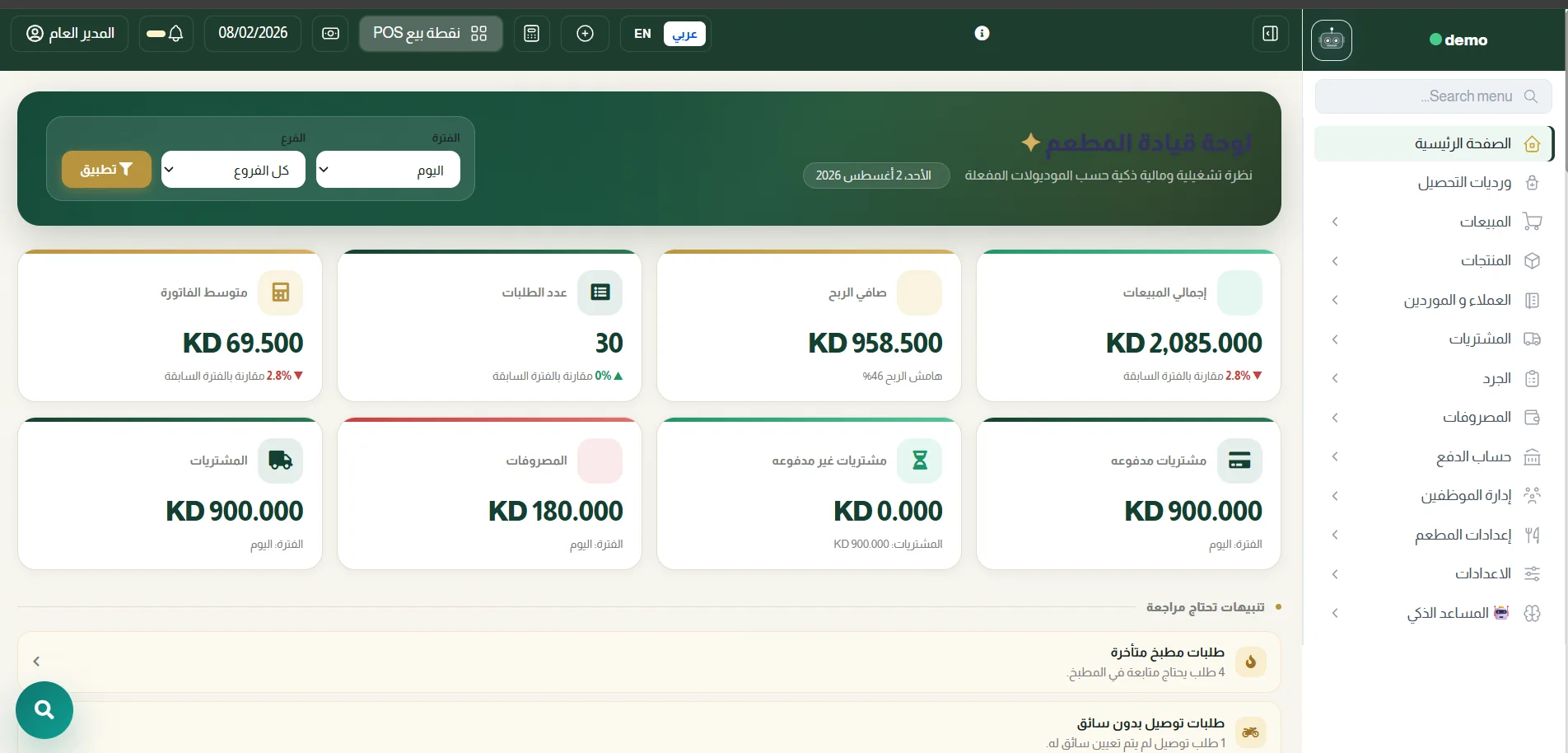
When you set up the counter of a new restaurant, you need more than software. These are the core parts and what to ask before buying.
The cashier device
A Windows computer, Android tablet or iPad with a modern browser and a comfortable touch screen.
The receipt printer
A USB or network thermal printer, connected through the print agent, with a receipt layout in Arabic and English.
Payment
The bank’s KNET terminal and a cash drawer. The cashier records the actual amount for each method, and totals are matched at shift close.
Customer display
Optional; it shows the order and total during entry.
How to start in KEMET
- Choose the cashier device
- Connect the receipt printer and print a test
- Prepare payment methods and the cash drawer
- Run a full training invoice
An example from a restaurant
A new restaurant sets up its counter with a tablet, a network thermal printer, a cash drawer and the bank’s KNET terminal. Within an hour the printer is connected and a test receipt prints with its logo.
Common questions
Do you sell hardware?
Devices are not included in the plans, but we help you choose what suits your branch.
Is the KNET terminal connected directly?
The cashier records the KNET amount on the invoice, and the terminal total is matched at shift close.
Can I use my current cashier device?
Usually yes, if it runs a modern browser.
Want to see it on your restaurant?
We show you the system on your own restaurant and help you choose the right plan and devices for your branches.